
Reviews & Guides · Computing & Networking
UGREEN NASync DXP4800 Plus: TV playback stutter stopped after a client update
Reviewed: UGREEN DXP4800 PlusRegional reference: UGREEN NASync DXP4800 Plus (US)
I use my UGREEN NASync DXP4800 Plus mainly for TV viewing. Playback stutter stopped after a client update, and adding SSDs made downloads quieter.
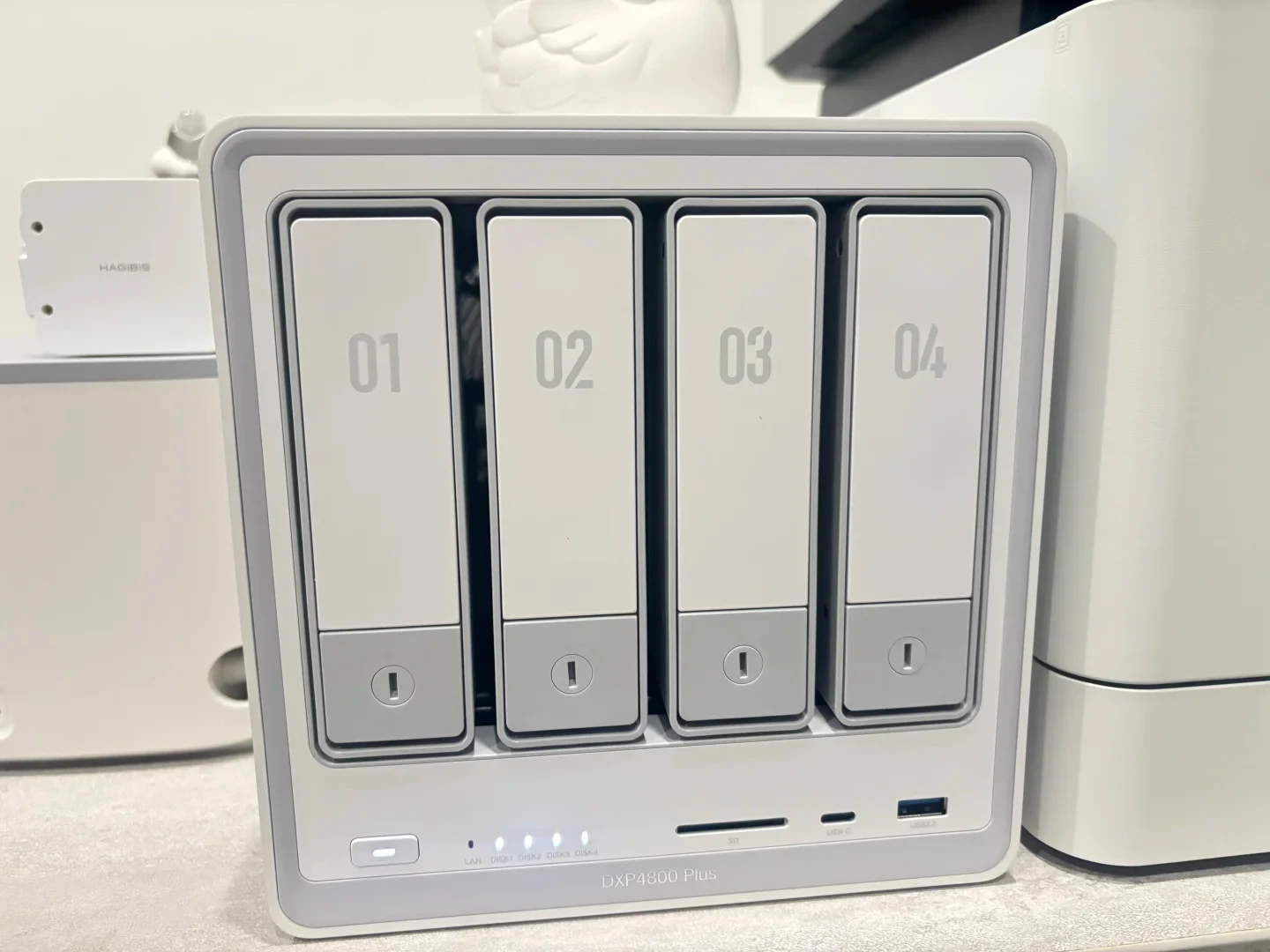
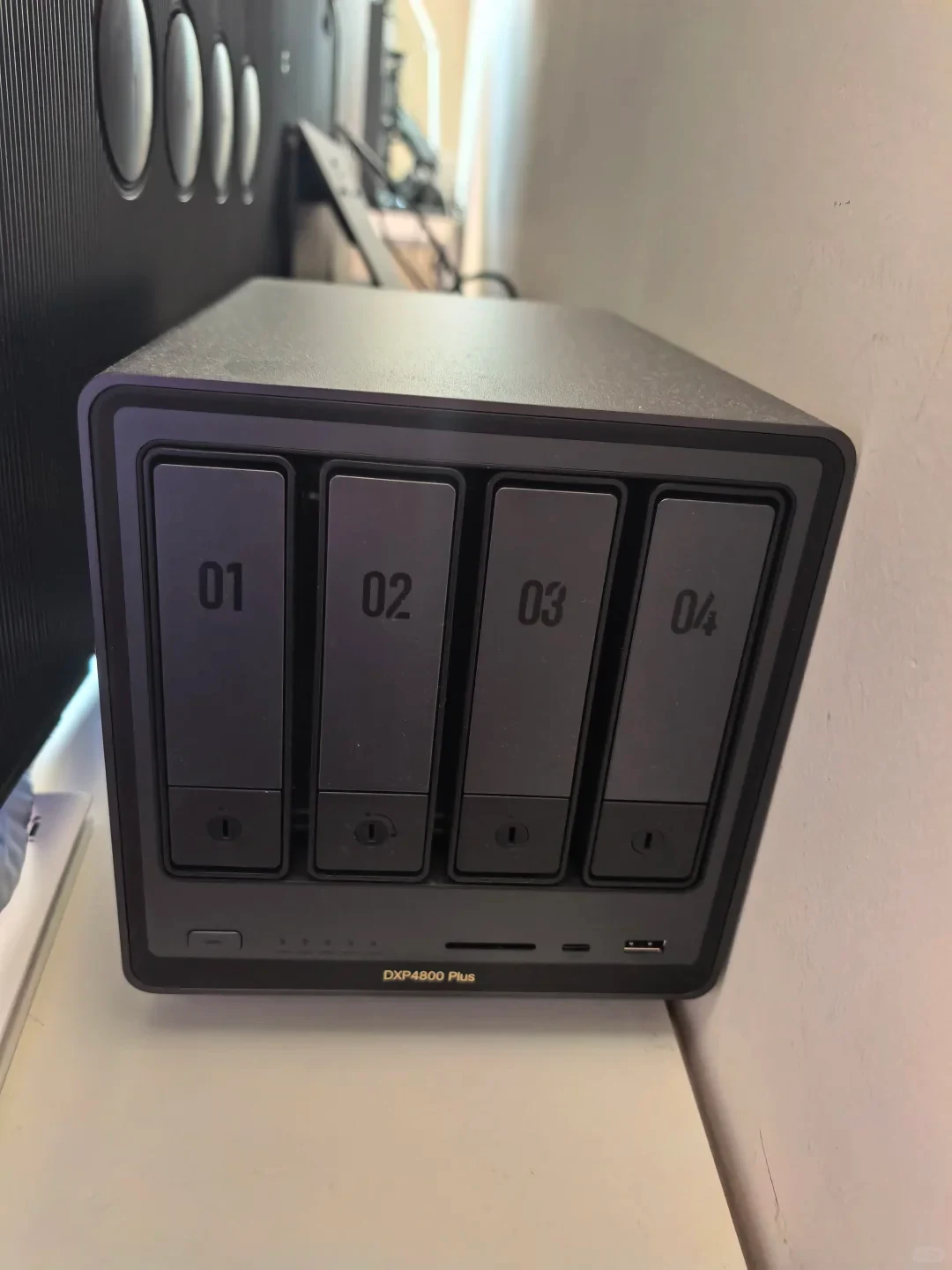
Pros
- Performance is sufficient; it can even run DeepSeek 1.5B.
- There is plenty of room to expand: four drive bays plus two SSDs. I currently use two drive bays without RAID, and have installed two SSDs for acceleration, although the practical effect seems modest. The SSDs use passive cooling, but that is sufficient.
- It works across platforms, including phones, TVs, and computers, and receives monthly updates. I use the TV client most often. I bought a NAS after getting an OLED TV—I'd created that need for myself.
Cons
- The system is not very polished. Although it gets monthly updates, the user experience still needs improvement.
System stability needs improvement. Even with two SSDs installed, local-network video playback could stutter when I changed the playback position, and I had to close and reopen it. I hope the manufacturer fixes this soon; otherwise, I might as well watch 4K content on Youku, iQIYI, or Tencent Video. (Update: After a recent client update, playback no longer stutters. I suspect it was a software issue.)
Update 2: I suggest using SSDs. When the NAS downloads with them installed, it is much quieter—almost no longer disruptive.
- It felt a little expensive. I paid the original price and added two SSDs and two hard drives (16 TB and 22 TB, OEM); the total came to around 6,000–7,000 yuan.
I have no experience using it for productivity; my main use is watching videos.
Would I recommend it? It depends. For people who only want to watch videos, a NAS has a long useful life, so it may be worth considering if you own your home, are renovating, or have a good viewing setup like mine. Otherwise, spend within your means. For people with productivity needs, a NAS may be closer to a necessity.
Source: Bricklayer · Xiaohongshu · 2025-04-26 · 绿联NAS DXP4800 Plus优缺点(纯消费者). Search this Chinese title in Xiaohongshu to find the original post.
Before You Buy
Models in your region
The owner’s account concerns the UGREEN NASync DXP4800 Plus, used mainly for TV playback with two hard drives and two SSDs. The US official product page lists the same named model, but firmware and support may differ by region; the owner’s playback and noise observations apply to their own unit and setup.
| Model in this review | Related regional model | What to know |
|---|---|---|
| UGREEN DXP4800 Plus | UGREEN NASync DXP4800 Plus (US) | The US NASync DXP4800 Plus is the same named model. Its official listing specifies four bays, an Intel Pentium Gold 8505, 10GbE plus 2.5GbE, and HDMI; disks are sold separately. The owner used two hard drives and two SSDs, but the source does not identify their capacities beyond 16 TB and 22 TB for the hard drives. |
- Model in this review
- UGREEN DXP4800 Plus
- Related regional model
- UGREEN NASync DXP4800 Plus (US)
- What to know
- The US NASync DXP4800 Plus is the same named model. Its official listing specifies four bays, an Intel Pentium Gold 8505, 10GbE plus 2.5GbE, and HDMI; disks are sold separately. The owner used two hard drives and two SSDs, but the source does not identify their capacities beyond 16 TB and 22 TB for the hard drives.
TV playback: the reported stutter cleared after a client update
The owner’s playback problem was specific: while watching over the local network, seeking could cause a stutter that required closing and reopening the client. After a client update, the owner no longer experienced that issue and suspected software was responsible. The account does not identify the client version or establish the cause, so it cannot confirm whether the update will resolve similar stuttering on other setups.
The US DXP4800 Plus listing includes HDMI, but the account describes playback through a TV client over the local network rather than identifying an HDMI connection. Its experience therefore does not establish how the NAS’s HDMI output performs.
Drive expansion and download noise
The four-bay NAS can accommodate a different drive arrangement from the owner’s current setup, while the official US listing says storage disks are sold separately. The owner had two hard-drive bays occupied without RAID and used two SSDs for acceleration; they found the acceleration benefit modest, despite describing the passive SSD cooling as sufficient.
With SSDs installed, the owner found the NAS much quieter during downloads. This is a subjective observation from that unit and configuration, not a measured noise level or a confirmed explanation of which component caused the sound. Buyers should not treat it as a guaranteed noise reduction.
Check regional support and match the setup to your needs
The US product page identifies the DXP4800 Plus with a Pentium Gold 8505, 10GbE plus 2.5GbE networking, HDMI, and four bays. The account does not identify its client version. Check the software version and playback path when comparing this historical update outcome with a current setup.
For a TV-focused setup, the owner’s account offers one practical reference point: playback seeking initially stuttered, then worked without that issue after a client update. It does not test productivity workloads or establish that two SSDs are necessary. The owner’s recommendation also depends on personal circumstances, including having a home and a good viewing setup.
Related Reading

Reviews & Guides · Computing & Networking
TP-Link Deco X55 in a two-storey Australian home: Wi-Fi across 300 m²
I installed two TP-Link Deco X55 units in my 300 m², two-storey home; bedrooms that often lost Wi-Fi now had a signal throughout the house.

Reviews & Guides · Computing & Networking
TP-Link Deco X55: DNS pauses stopped for six days in access-point mode
I switched my Deco X55 to access-point mode and restored my older router to the front of the network. The DNS-like pauses stayed away for six days.
Reviews & Guides · Computing & Networking
TP-Link Deco X55 after nearly a year: six units, Teams and gaming
I’ve used six TP-Link Deco X55 units for nearly a year, including daily Teams calls and online gaming; I’ve had only one or two connectivity issues.