
Reviews & Guides · Computing & Networking
uni USB-C hub after five years: the ports I need for work
Regional reference: uni Union Pro USB-C 8-in-1 hub UNI8IN101 (UA27) (US / international direct store)
I’ve used my uni USB-C hub for five years. It gives my work laptop room for power, a display and a mechanical keyboard at my desk.
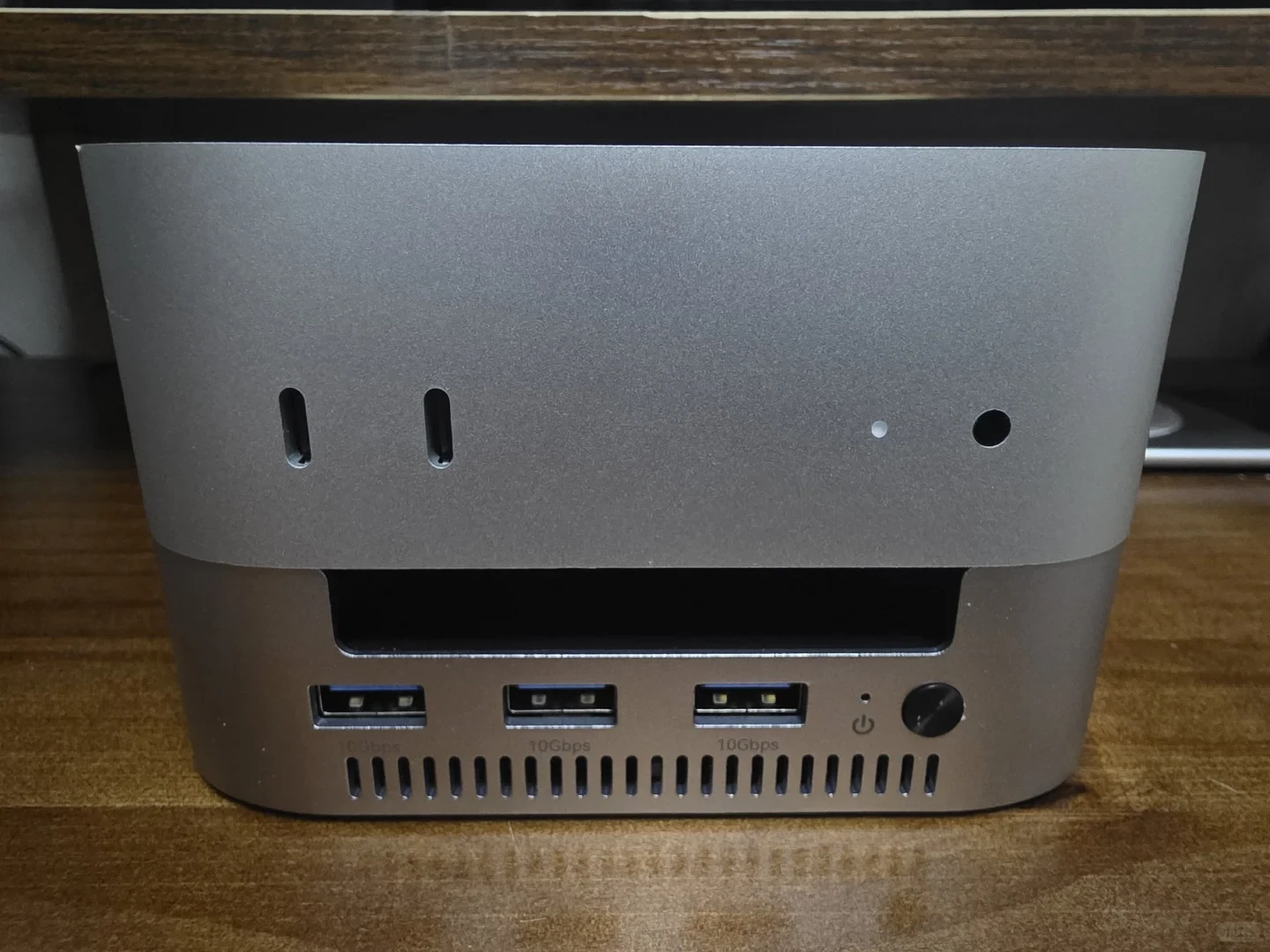
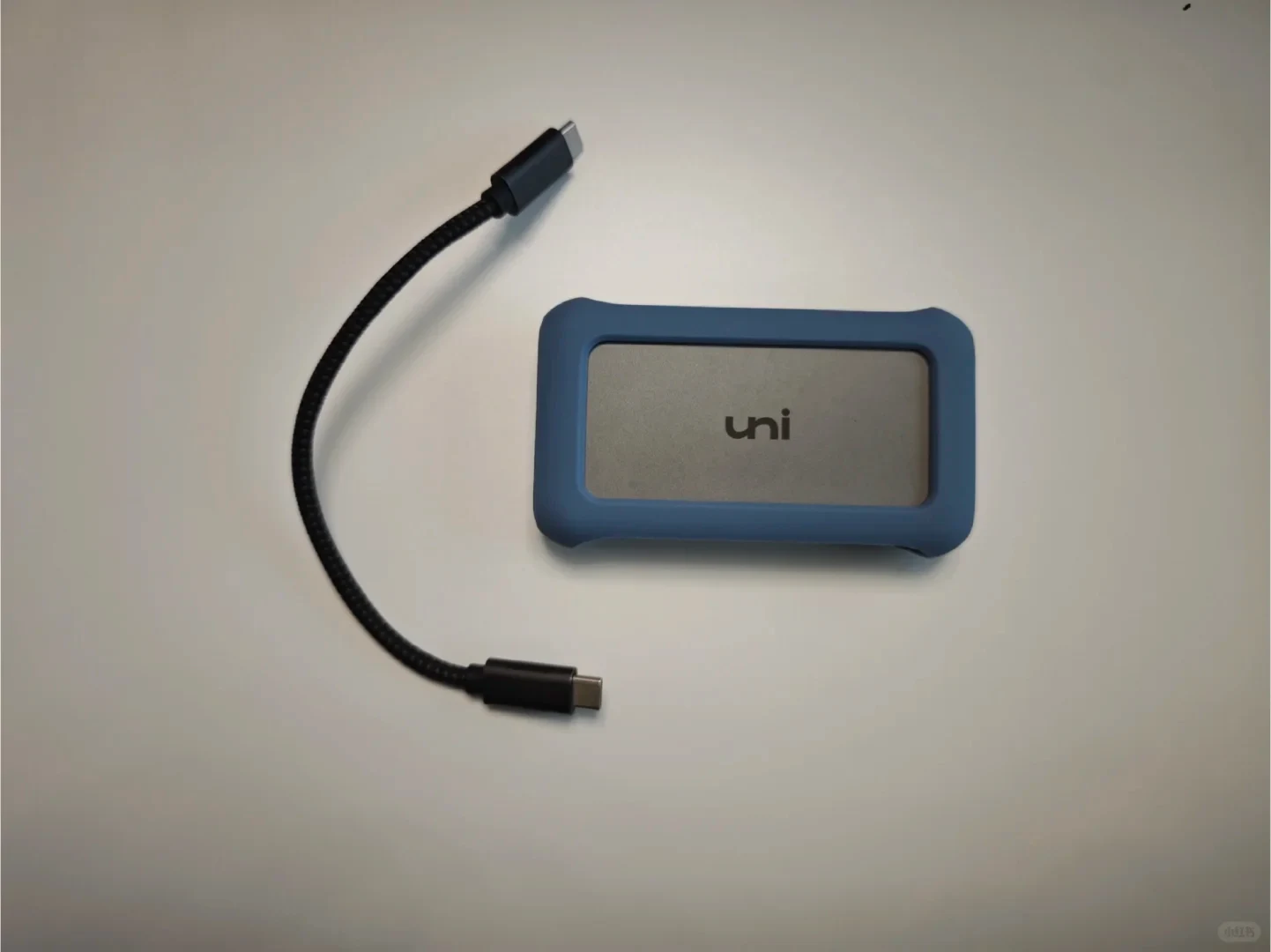
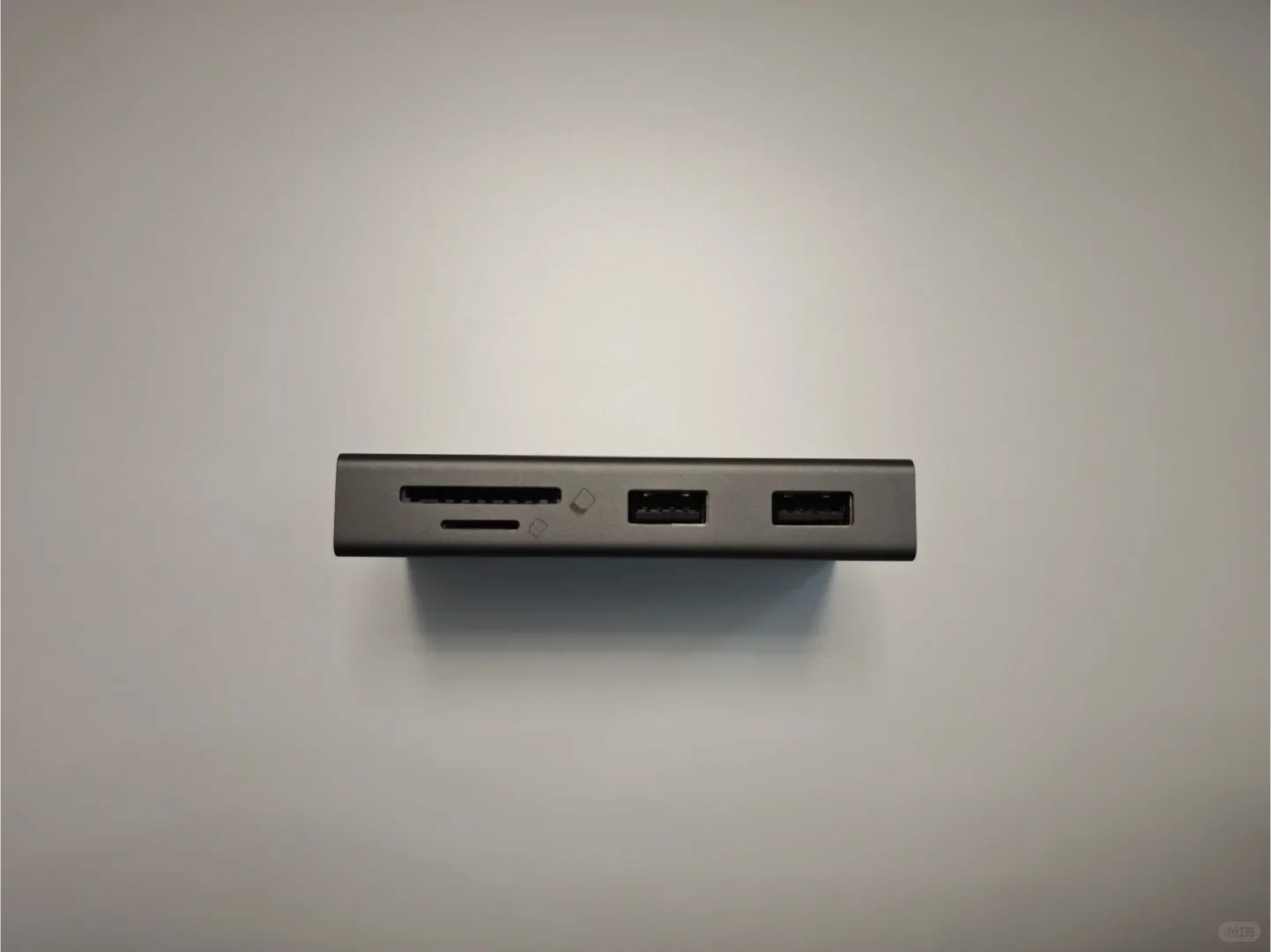
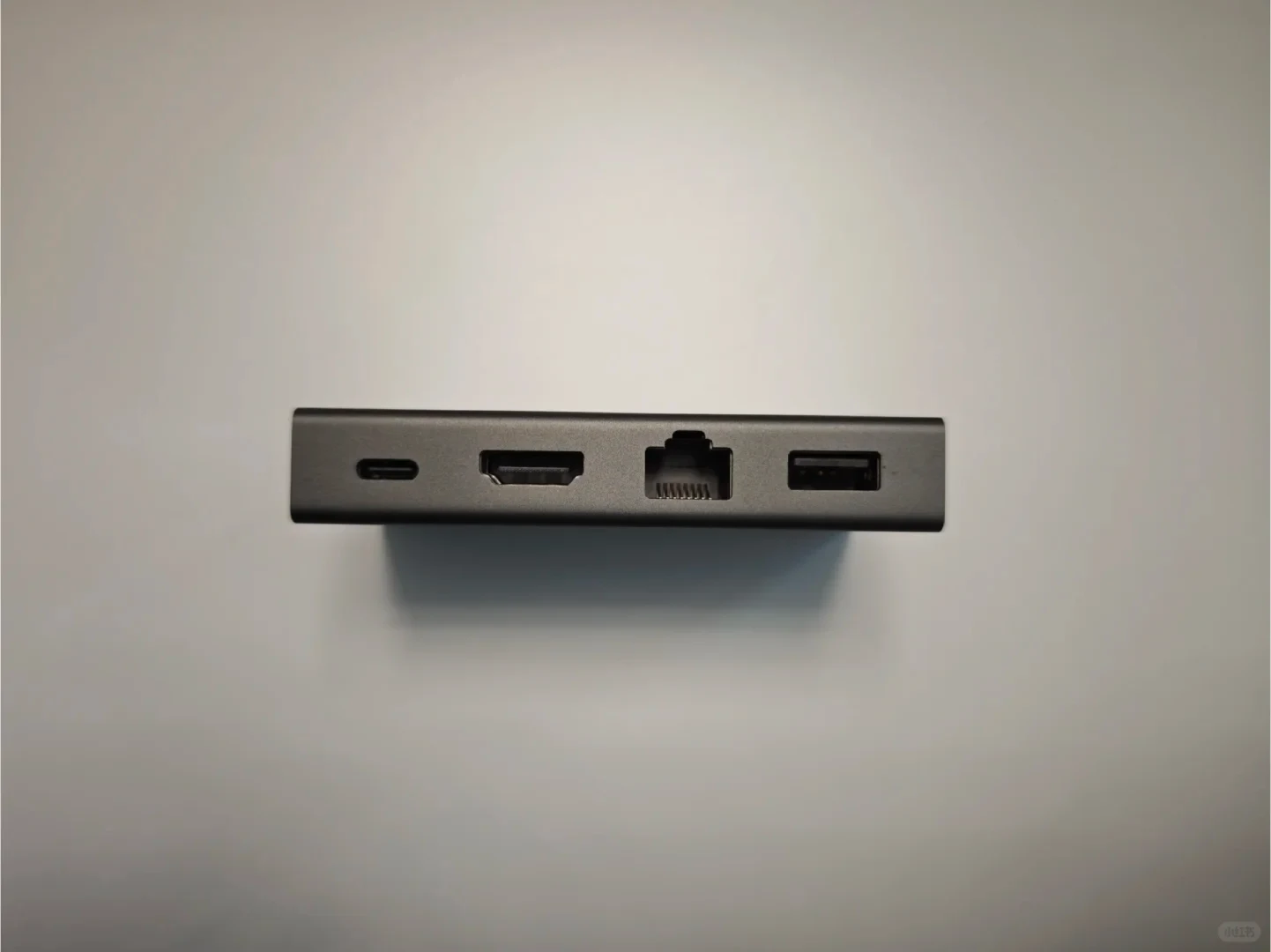
I travel for work about half the time, so a laptop is the most practical work computer for me. But laptops keep getting thinner and have fewer ports. When I’m not traveling and want to connect a large display, the power cable and display use up the ports, leaving nowhere to plug in my mechanical keyboard.
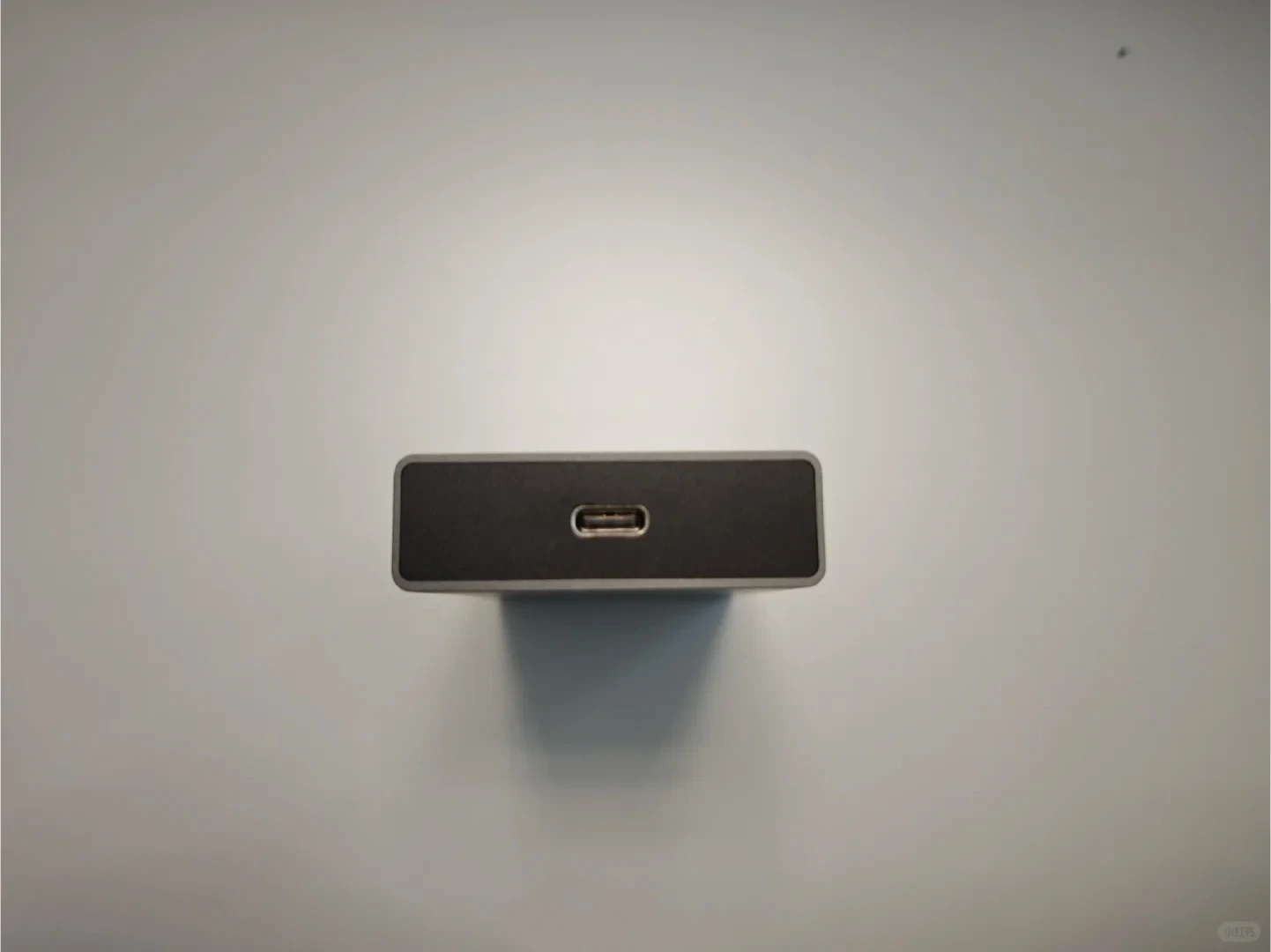
I’ve had this one for five years. It has two USB 3.0 ports, one HDMI port supporting 4K at 30 Hz, and 100W PD fast charging. It covers pretty much all my everyday needs for connecting external devices. A hub is one of those things that’s better to buy sooner and enjoy for longer.
Source: Zzz · Xiaohongshu · 2025-11-08 · 长期主义单品之拓展坞. Search this Chinese title in Xiaohongshu to find the original post.
Before You Buy
Models in your region
The photos show a uni hub with a detachable USB-C cable, a silicone sleeve and eight peripheral ports. Its layout matches the Union Pro family; the old unit’s model code is not visible. The current US/international reference below is UNI8IN101 (UA27).
| Model in this review | Related regional model | What to know |
|---|---|---|
| uni detachable USB-C hub | uni Union Pro USB-C 8-in-1 hub UNI8IN101 (UA27) (US / international direct store) | The same eight-port layout is visible in the owner’s photos: two USB-A ports and card readers on one side, power input, HDMI, Ethernet and another USB-A port on the other. The exact old unit code is not shown. The listed Union Pro rates HDMI up to 4K at 30Hz and reserves some input power for the hub. |
- Model in this review
- uni detachable USB-C hub
- Related regional model
- uni Union Pro USB-C 8-in-1 hub UNI8IN101 (UA27) (US / international direct store)
- What to know
- The same eight-port layout is visible in the owner’s photos: two USB-A ports and card readers on one side, power input, HDMI, Ethernet and another USB-A port on the other. The exact old unit code is not shown. The listed Union Pro rates HDMI up to 4K at 30Hz and reserves some input power for the hub.
Check the port layout against your setup
The owner uses a laptop for both work trips and desk work. Power and an external display used up its ports, leaving no connection for a mechanical keyboard. After five years, the hub still covers their everyday connection needs; the post lists 4K at 30Hz and 100W PD without measured display or charging results.
For the US/international listing, uni specifies two USB 3.0 ports and one USB 2.0 port, plus HDMI, SD and microSD readers, Ethernet and 100W PD input. The hub itself uses about 10W, so uni gives 86W to the host when paired with a 96W charger. Buyers should account for that power allocation and check whether their laptop, charger and peripherals suit the listed configuration.
Detachable cable and a protective sleeve
Like the pictured hub, the related Union Pro has a removable cable and silicone sleeve. Its rear ports suit connections left in place, while the card readers and two USB 3.0 ports are on the opposite edge. That arrangement lets the power, display and keyboard connections share one host port; the account does not describe using the Ethernet or card readers.
Related Reading

Reviews & Guides · Computing & Networking
TP-Link Deco X55 in a two-storey Australian home: Wi-Fi across 300 m²
I installed two TP-Link Deco X55 units in my 300 m², two-storey home; bedrooms that often lost Wi-Fi now had a signal throughout the house.

Reviews & Guides · Computing & Networking
TP-Link Deco X55: DNS pauses stopped for six days in access-point mode
I switched my Deco X55 to access-point mode and restored my older router to the front of the network. The DNS-like pauses stayed away for six days.
Reviews & Guides · Computing & Networking
TP-Link Deco X55 after nearly a year: six units, Teams and gaming
I’ve used six TP-Link Deco X55 units for nearly a year, including daily Teams calls and online gaming; I’ve had only one or two connectivity issues.