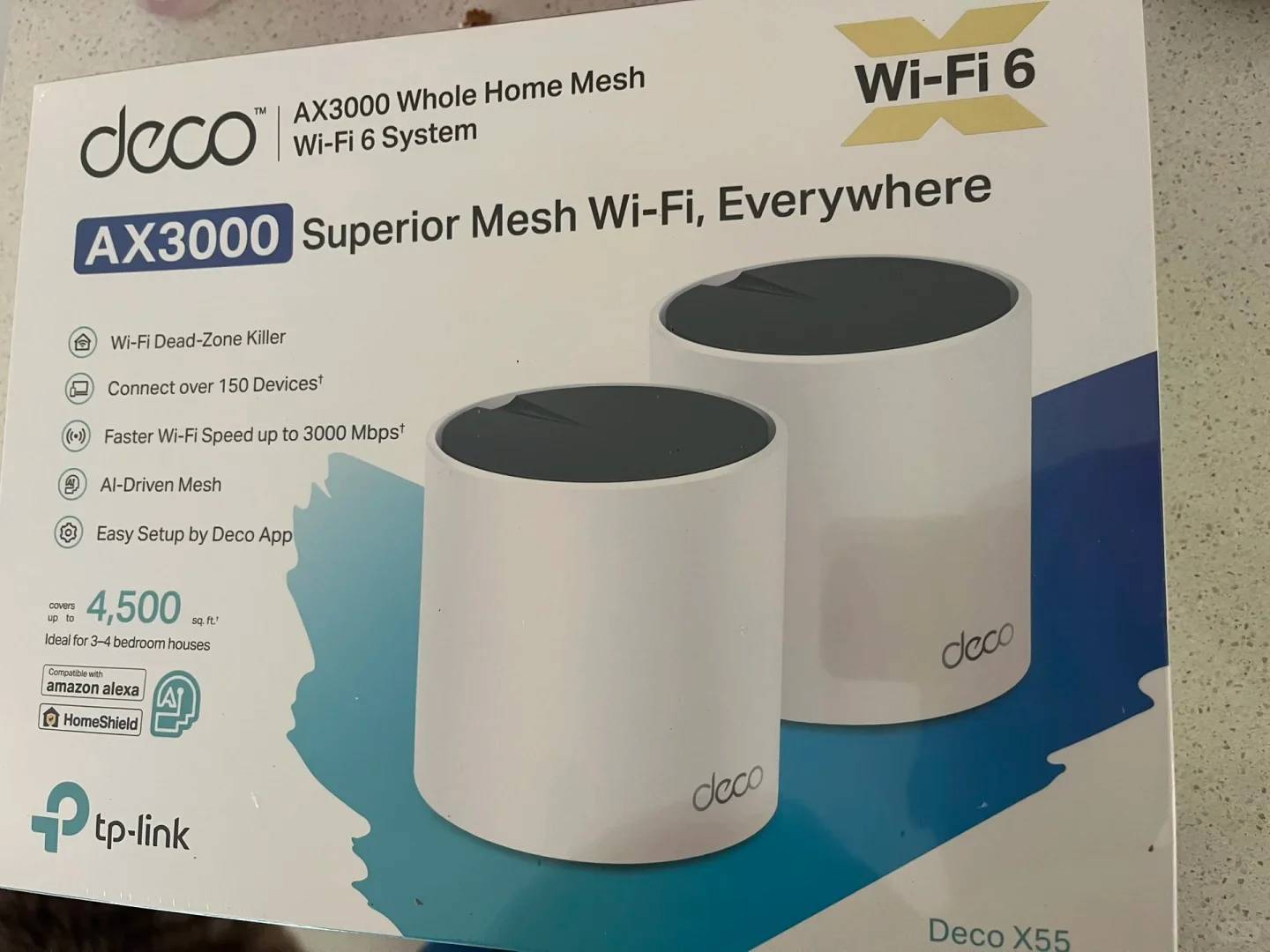
Useful coverage across more than one floor
An Irish three-node installation reported about 400 Mbps upstairs. An Australian two-node household reported whole-home coverage across 300 m²; its screenshot shows one 235.6 Mbps download test. [1][2]

TP-Link · Mesh Wi-Fi system
| Regional reference | Markets | Model in the reports |
|---|---|---|
| Deco X55 · Check local firmware and hardware revision | United States, Ireland / United Kingdom, Australia | Deco X55 · Local hardware version varies |
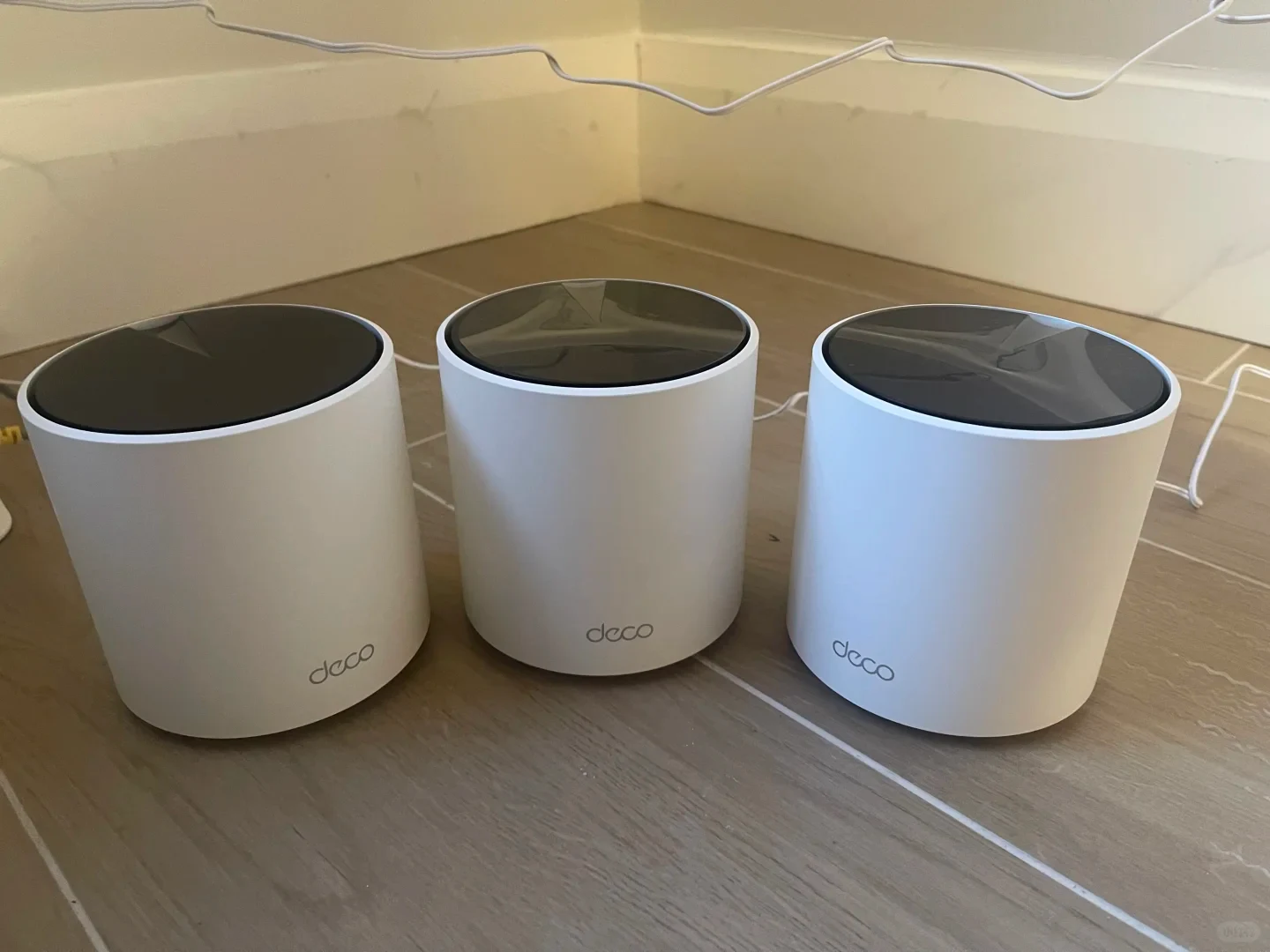
Home coverage and Ethernet-backhaul accounts, with contrasting long-term stability and hardware-specific firmware reports.
An Irish three-node installation reported about 400 Mbps upstairs. An Australian two-node household reported whole-home coverage across 300 m²; its screenshot shows one 235.6 Mbps download test. [1][2]
A three-node Starlink household uses Ethernet between X55s and to fixed devices, reporting less buffering and no more dropped Zoom calls than its earlier Starlink mesh. [3]
The Irish installer described roughly ten minutes to set up three units. The Australian owner used one unit in the study and one in the upstairs hall to reach a distant bedroom. [1][2]
One user reports nearly a year of daily Teams calls and gaming with only one or two connectivity incidents. They also schedule an early Sunday reboot; backhaul and floor plan are unspecified. [4]
Owners on firmware 1.4.0 described brief daily outages, loss of wired and wireless internet, or WAN address renewals. These are separate dated reports tied to particular setups and revisions. [5][6][7]
One three-node owner restored service only after resetting every unit and adding them back, taking about fifteen minutes. Simple power cycles had not helped. [8]
A household had green Deco lights while some clients lacked internet. Another had DNS-like pauses on wired and wireless computers while televisions kept streaming. [8][9]
One owner saw six trouble-free days after moving routing to an older Almond router. Another reports a beta resolved WAN drops, while a third used a historical rollback; these are individual outcomes. [9][7][6]
One three-unit owner reported eight to ten short outages daily and no useful fix from the support replies received at the time of posting. [5]
Irish installer · Three floors · Three units
Australia · 300 m² / Two floors · Two units
Xfinity / Arris S33 · Six-day AP-mode follow-up
Nearly one year · Six nodes · Teams and gaming
Starlink Gen 2 bypass · Three nodes · Ethernet backhaul
Three nodes · Green lights / No internet · Reset recovery
Three nodes · Firmware 1.4.0 · Daily short interruptions
Hardware 1.26 · Firmware 1.4.0 · Historical rollback
Hardware 1.26 · WAN renewals · February 2025 beta follow-up