
Reviews & Guides · Computing & Networking
I upgraded to TP-Link Deco BE22 Wi-Fi 7 for better coverage at home
Reviewed: TP-Link Deco BE22Regional reference: TP-Link Deco BE22 (BE3600 class) (Australia); TP-Link Deco BE22 (EU) V1 (UK / Europe)
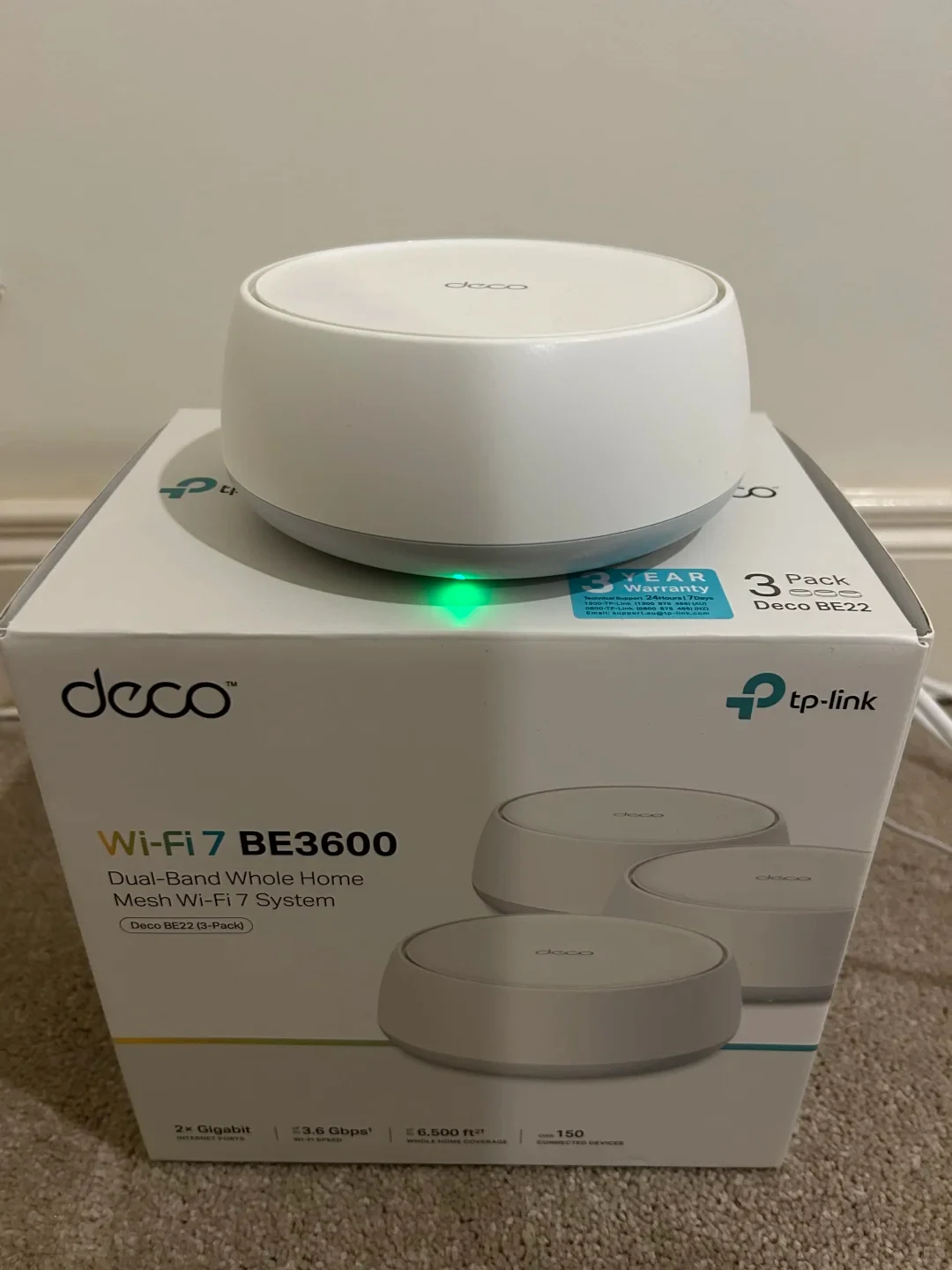
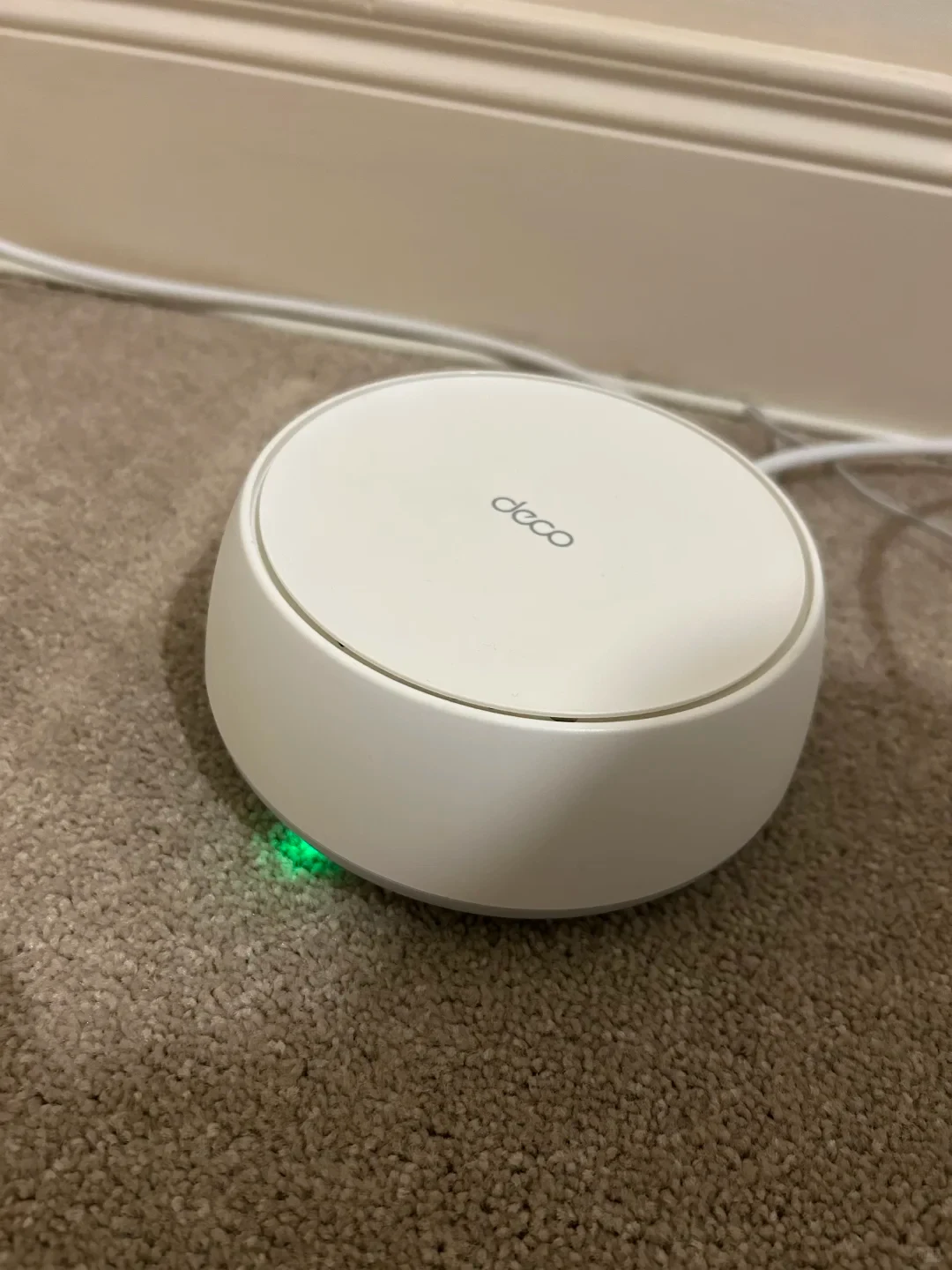
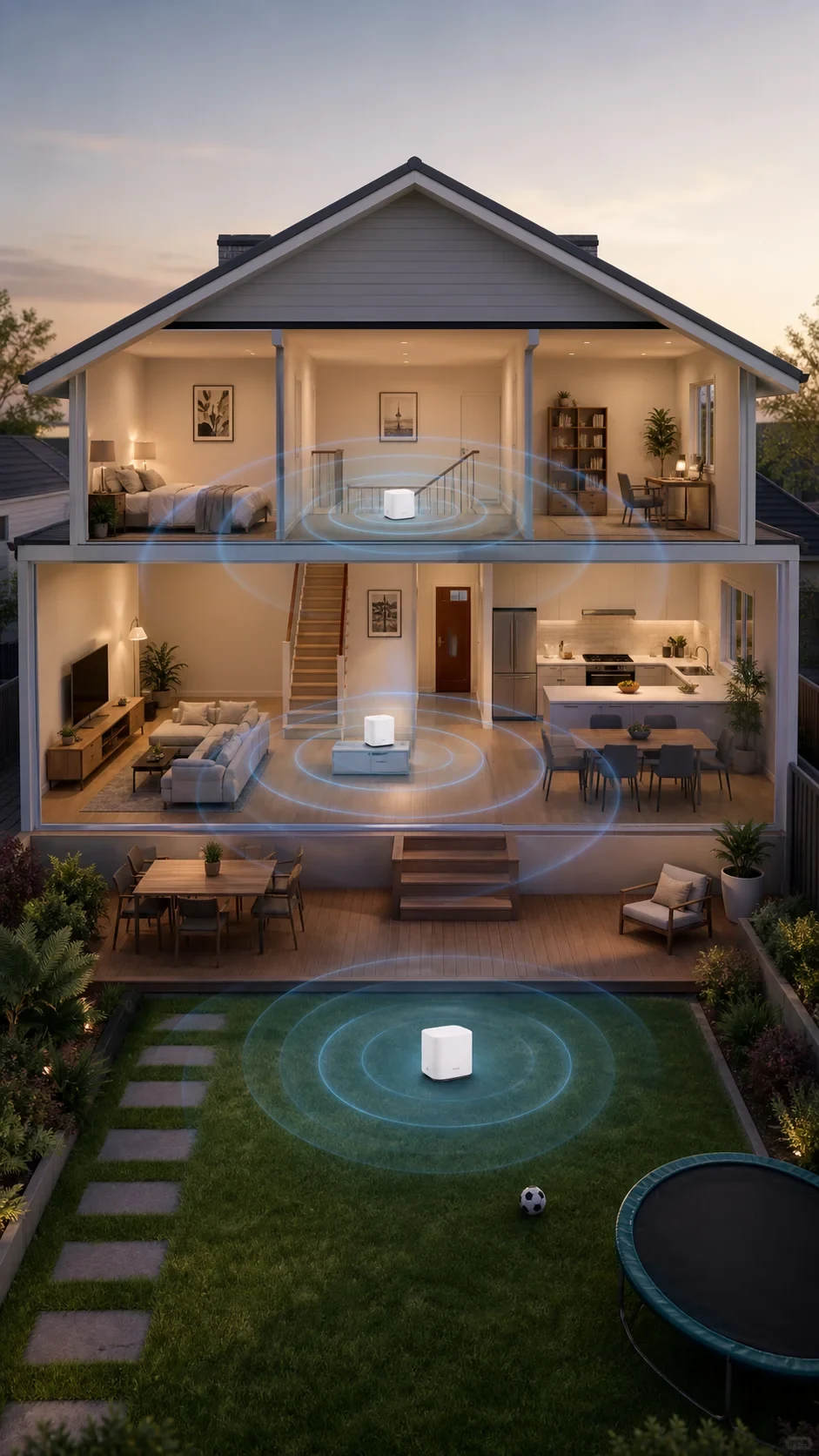
I replaced my old router with a three-pack TP-Link Deco BE22 after upgrading to fibre, and found the signal reached upstairs, downstairs and the backyard.
When I started learning AI, I realised that a stable, fast internet connection was just as essential as a computer.
Uploading materials, generating images, syncing files and using cloud-based AI tools all depend on the internet.
Australia’s internet can be frustrating, to say the least!
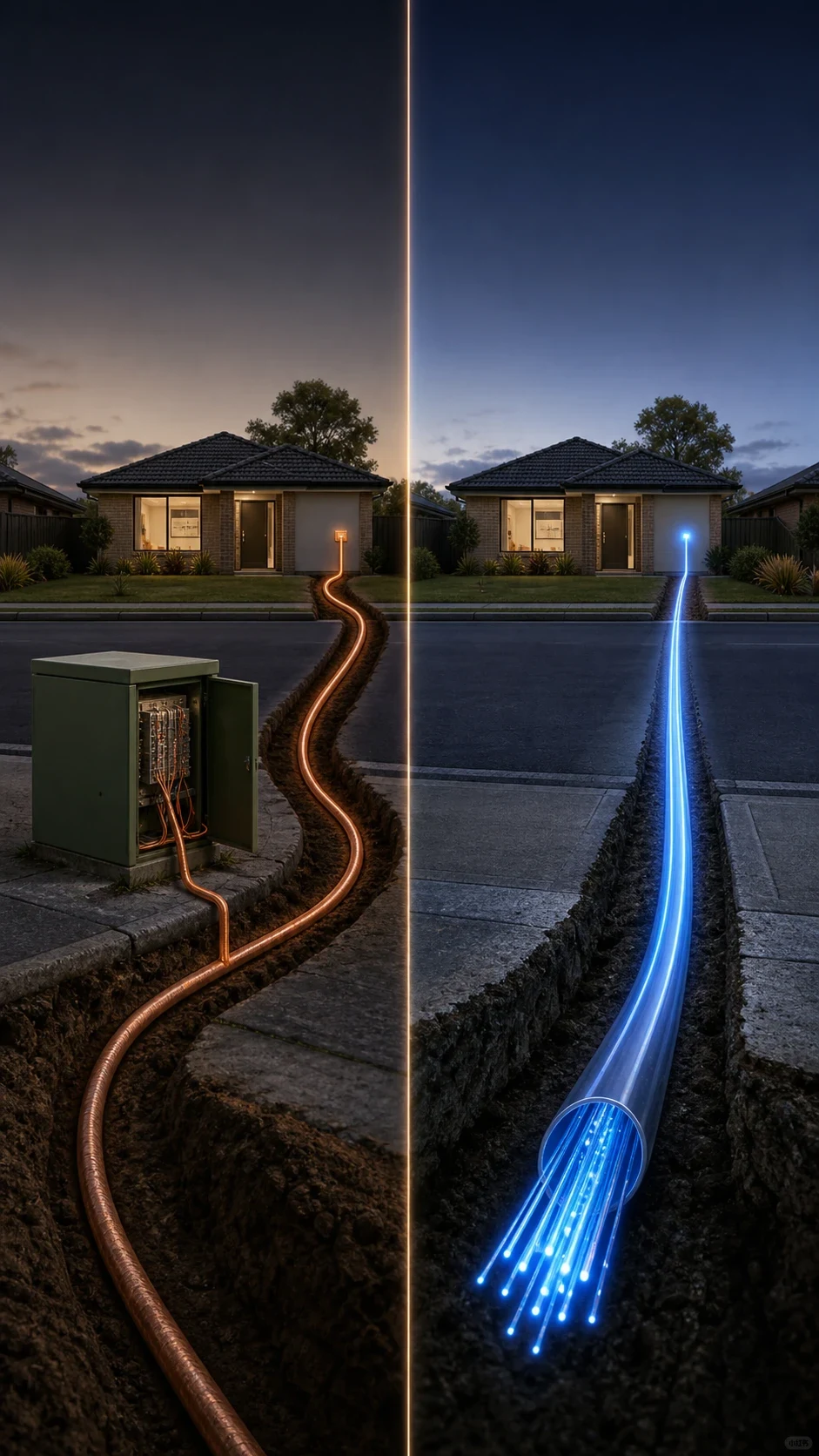
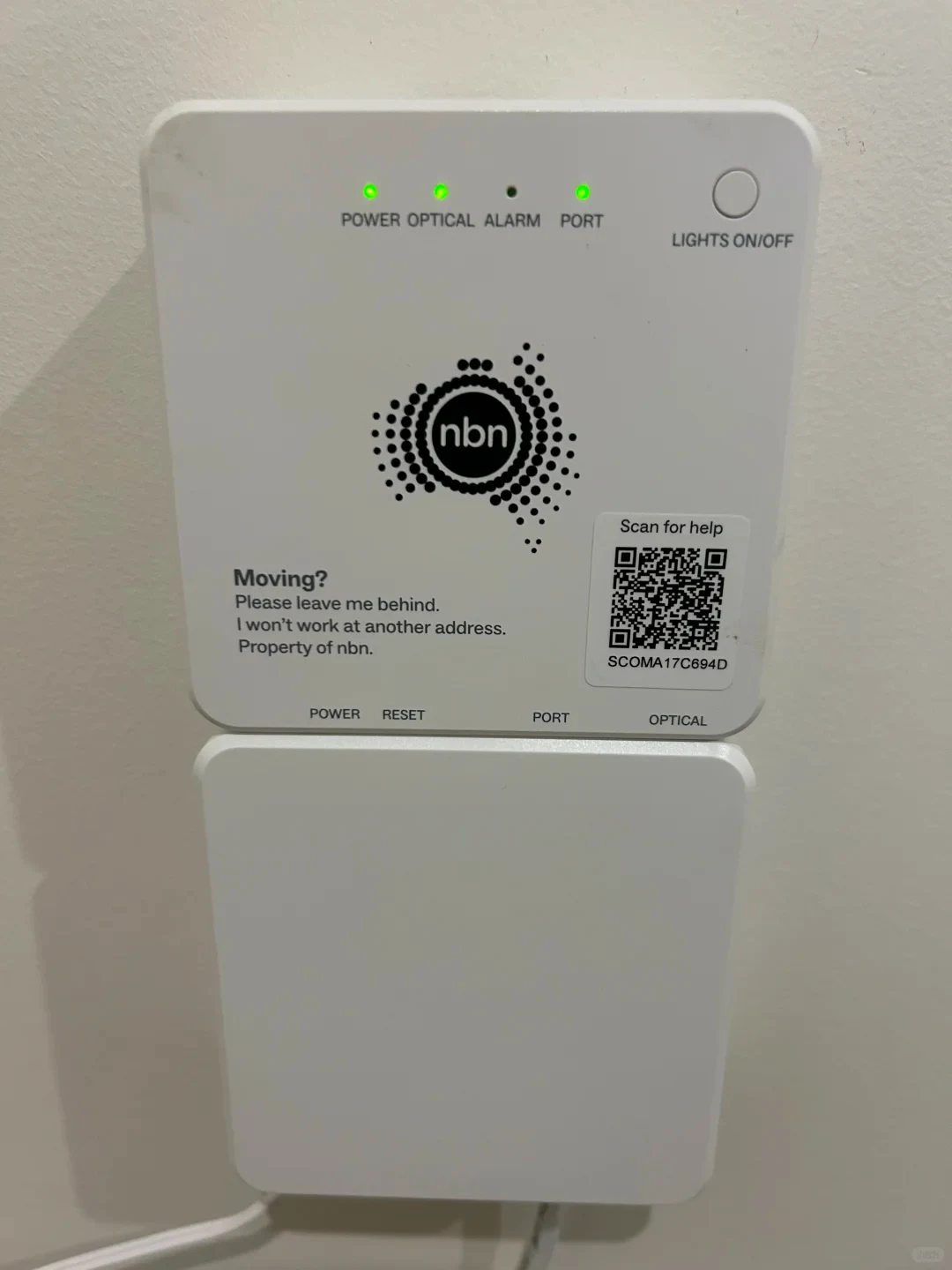
After researching online, I found that several internet providers were offering promotions, including free fibre upgrades and discounts. Once my connection was upgraded, the speed improved, but my router from several years ago couldn’t keep up. I then spent nearly AUD 400 on a three-pack TP-Link Deco BE3600 Wi-Fi 7 mesh system to improve coverage upstairs, downstairs and in the backyard. Wherever I went, I found the signal was full while using the internet to study.
This wasn’t just a Wi-Fi upgrade; it was a way to build a “high-speed highway” for my AI learning journey.
Starting over in midlife · Life in Melbourne · Fibre internet · Mesh Wi-Fi
Source: 比特的AI家庭实验室 · Xiaohongshu · 2026-07-27 · 为了学习AI,把家里网升级成了光纤+WiFi 7. Search this Chinese title in Xiaohongshu to find the original post.
Before You Buy
Models in your region
The owner’s three-pack is identified as the TP-Link Deco BE22 by the product-box photo; BE3600 is its Wi-Fi class, not the precise model name. The UK/European Deco BE22 is an official regional version in the same model family, but the owner’s experience does not establish that the hardware revision or firmware is identical across regions.
| Model in this review | Related regional model | What to know |
|---|---|---|
| TP-Link Deco BE22 (Australian three-pack) | TP-Link Deco BE22 (BE3600 class) (Australia) | The box shown in the owner’s photo identifies the Australian unit as the Deco BE22; BE3600 denotes its speed class. The owner’s coverage report applies to this three-pack and home, not to a measured throughput test. |
| TP-Link Deco BE22 (Australian three-pack) | TP-Link Deco BE22 (EU) V1 (UK / Europe) | The UK/European Deco BE22 is an official regional version in the same model family. Its listed configuration is dual-band 2.4/5 GHz with two 1-Gigabit Ethernet ports; the Australian unit’s hardware revision and cross-region firmware equivalence are not established. |
- Model in this review
- TP-Link Deco BE22 (Australian three-pack)
- Related regional model
- TP-Link Deco BE22 (BE3600 class) (Australia)
- What to know
- The box shown in the owner’s photo identifies the Australian unit as the Deco BE22; BE3600 denotes its speed class. The owner’s coverage report applies to this three-pack and home, not to a measured throughput test.
- Model in this review
- TP-Link Deco BE22 (Australian three-pack)
- Related regional model
- TP-Link Deco BE22 (EU) V1 (UK / Europe)
- What to know
- The UK/European Deco BE22 is an official regional version in the same model family. Its listed configuration is dual-band 2.4/5 GHz with two 1-Gigabit Ethernet ports; the Australian unit’s hardware revision and cross-region firmware equivalence are not established.
Coverage is the reported result, not a speed test
The three-unit Deco BE22 provided full signal upstairs, downstairs and in the backyard after the fibre upgrade. That is a report of coverage in one home; the post does not provide measured Wi-Fi speeds, signal readings or a controlled comparison with the old router.
The owner connected the upgrade to studying AI, including uploading materials, generating images, syncing files and using cloud AI tools. Those activities explain the need for dependable internet, but the account does not test AI model training or show that the mesh system made AI tasks faster.
Check the regional configuration before buying
TP-Link’s Australian Deco BE22 information identifies a dual-band 2.4/5 GHz system, with a BE3600-class theoretical wireless rate and two 1-Gigabit Ethernet ports. These are product specifications, not speeds measured in the home; the port specification also means you should not assume 2.5-Gigabit Ethernet.
The UK/European Deco BE22 V1 is also listed as dual-band BE3600 with two 1-Gigabit Ethernet ports, and TP-Link lists MLO and combined wired/wireless backhaul for that regional product. The Australian experience does not verify those features on the reviewed Australian unit’s hardware revision, and the supplied specifications do not establish 6 GHz support or outdoor weatherproofing. Check the exact regional model and intended placement before relying on either.
Related Reading

Reviews & Guides · Computing & Networking
TP-Link Deco X55 in a two-storey Australian home: Wi-Fi across 300 m²
I installed two TP-Link Deco X55 units in my 300 m², two-storey home; bedrooms that often lost Wi-Fi now had a signal throughout the house.

Reviews & Guides · Computing & Networking
TP-Link Deco X55: DNS pauses stopped for six days in access-point mode
I switched my Deco X55 to access-point mode and restored my older router to the front of the network. The DNS-like pauses stayed away for six days.
Reviews & Guides · Computing & Networking
TP-Link Deco X55 after nearly a year: six units, Teams and gaming
I’ve used six TP-Link Deco X55 units for nearly a year, including daily Teams calls and online gaming; I’ve had only one or two connectivity issues.