
Reviews & Guides · Computing & Networking
Xiaomi router after about a year: one brief light, then no response
Regional reference: Xiaomi Router BE3600 (UK)
After about a year, my Xiaomi router’s yellow light came on briefly and went out; plugging in Ethernet brought no response.
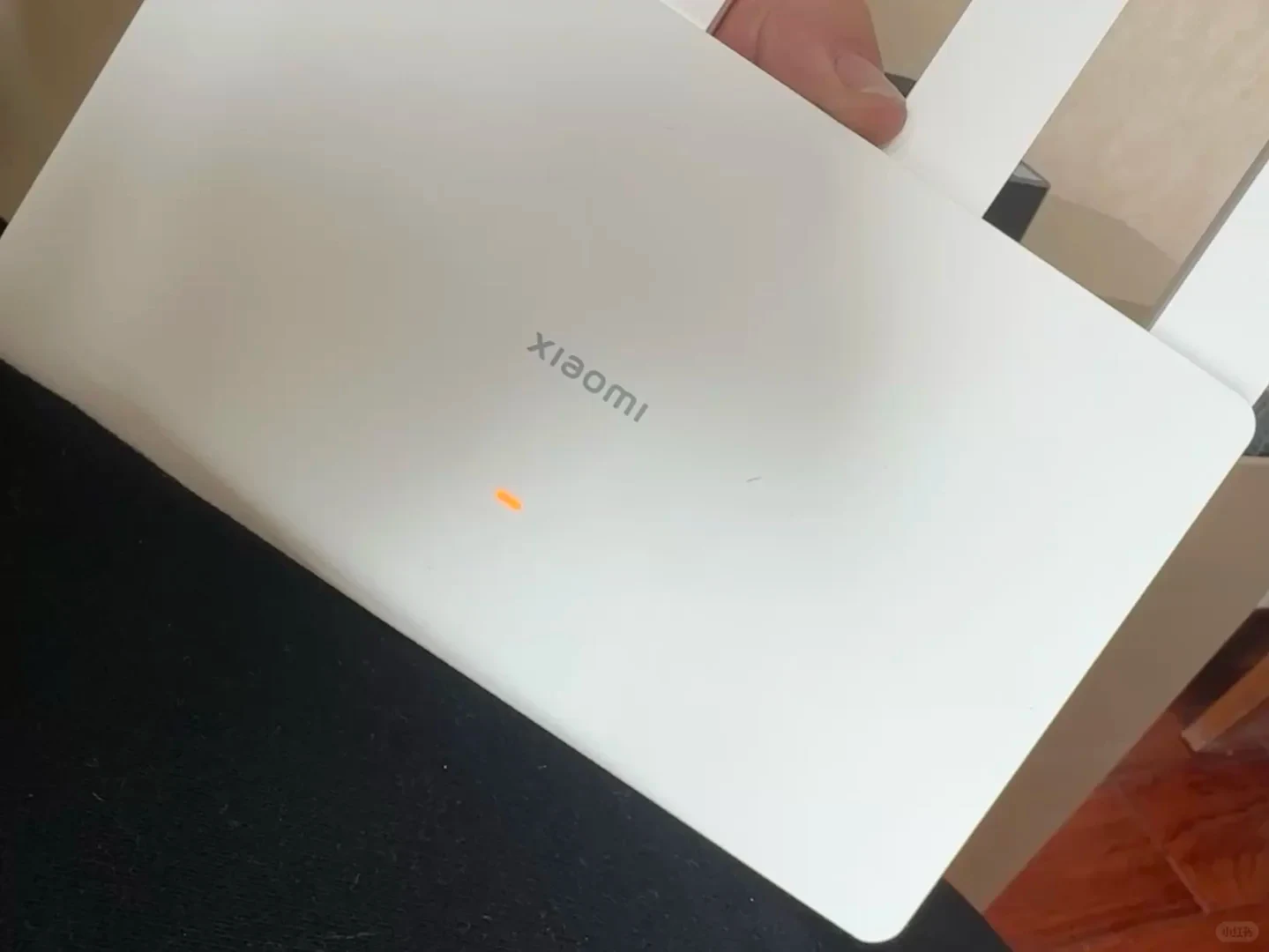
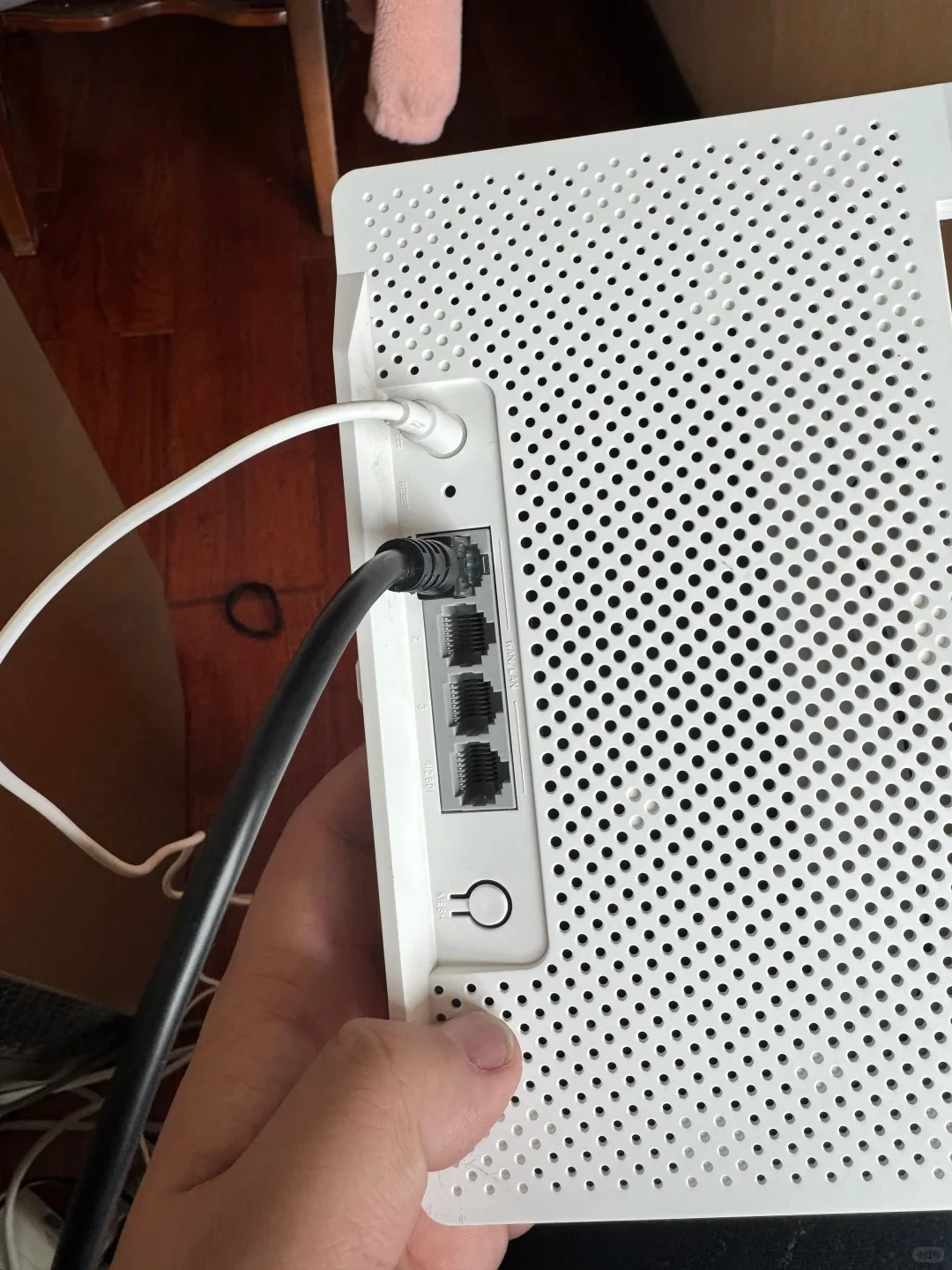
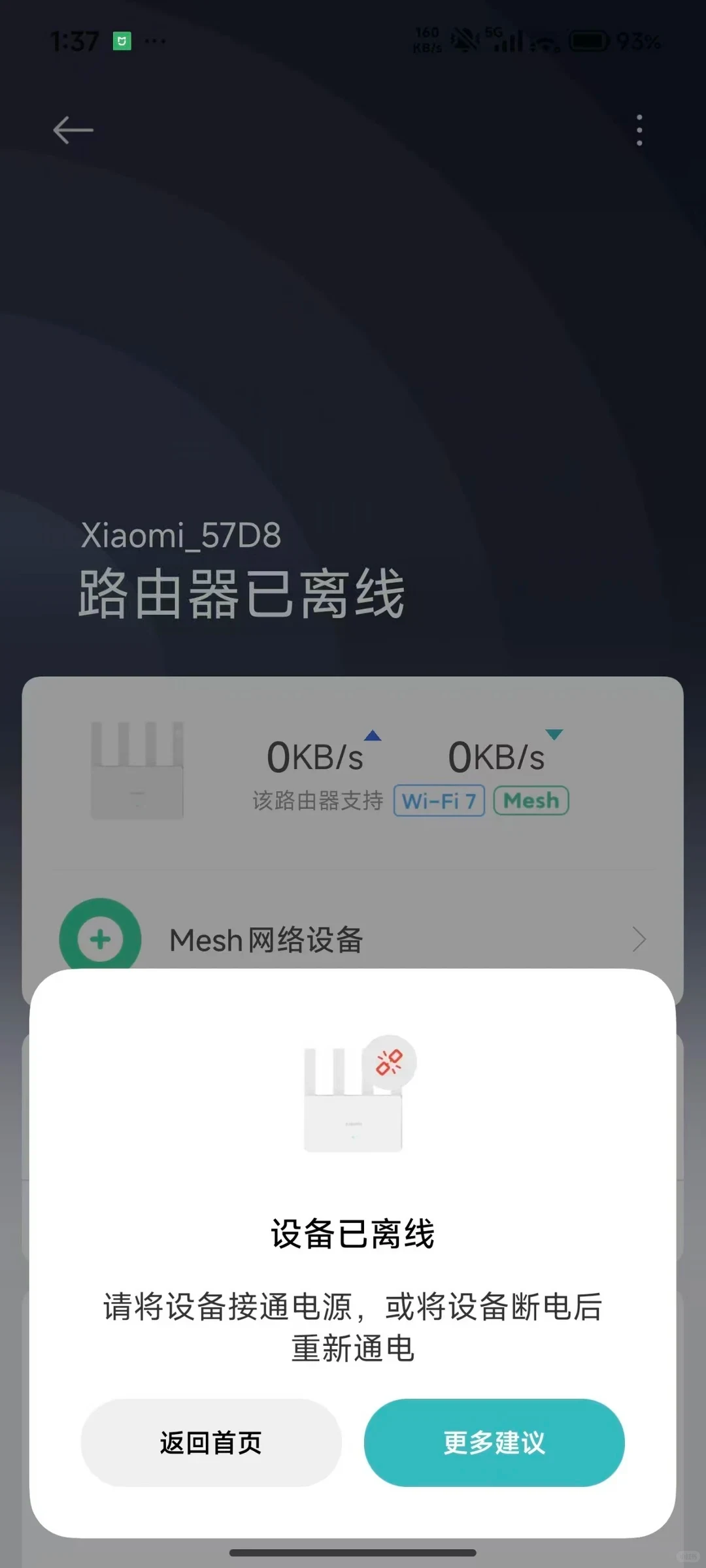
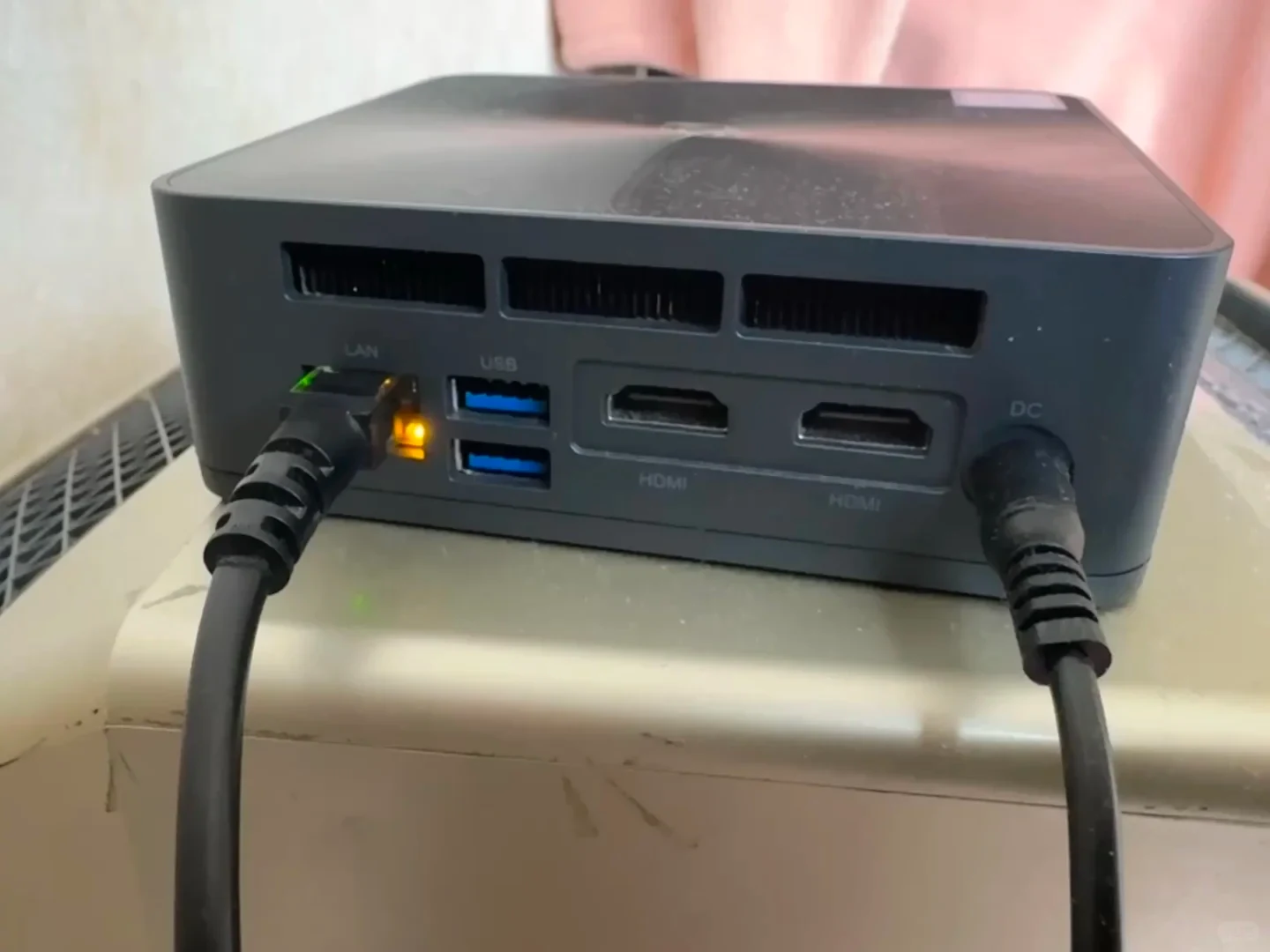
What bad luck. I’m speechless: after I plugged it in, the yellow light came on briefly and then went out. Connecting an Ethernet cable brought no response either. In photo five, a cable is connected to a different box, whose network indicator lights are on.
Source: 做暖通的是贫困户中央空调暖通系统咨询规划防踩坑 · Xiaohongshu · 2026-02-02 · 小米路由器,使用一年报废. Search this Chinese title in Xiaohongshu to find the original post.
Before You Buy
Models in your region
The source account concerns a Xiaomi router, but its exact model is not identifiable from the available material, so the reported fault cannot be assigned to a specific Xiaomi model. Xiaomi Router BE3600 is included only as a UK-market regional reference, not as a confirmed equivalent or the unit used in the account.
| Model in this review | Related regional model | What to know |
|---|---|---|
| Unidentified Xiaomi router | Xiaomi Router BE3600 (UK) | The exact source model is unknown, so the reported light and Ethernet behavior cannot be matched to the UK Xiaomi Router BE3600. The BE3600 is a related Wi-Fi 7 router, not a verified regional version of the source unit. |
- Model in this review
- Unidentified Xiaomi router
- Related regional model
- Xiaomi Router BE3600 (UK)
- What to know
- The exact source model is unknown, so the reported light and Ethernet behavior cannot be matched to the UK Xiaomi Router BE3600. The BE3600 is a related Wi-Fi 7 router, not a verified regional version of the source unit.
What the brief light and Ethernet check establish
The account describes a yellow light that briefly came on after power was connected, then went out; plugging in Ethernet produced no response. That records the observed symptoms, but does not identify a failed component, establish the cause, or confirm that a repair was attempted.
The other box’s lit LAN indicators show a response that the owner says was missing on the router. They do not, on their own, prove internet access or identify why the router failed. The post does not describe a controlled power-supply comparison or a throughput test.
Record the startup sequence and service response
For a similar startup failure, record the router’s exact model, its power-adapter label and what happens to the light after power is connected. Keep that sequence separate from what the app displays, so a support request describes both the physical behavior and the software message. In this account, the model and failed component remain unidentified.
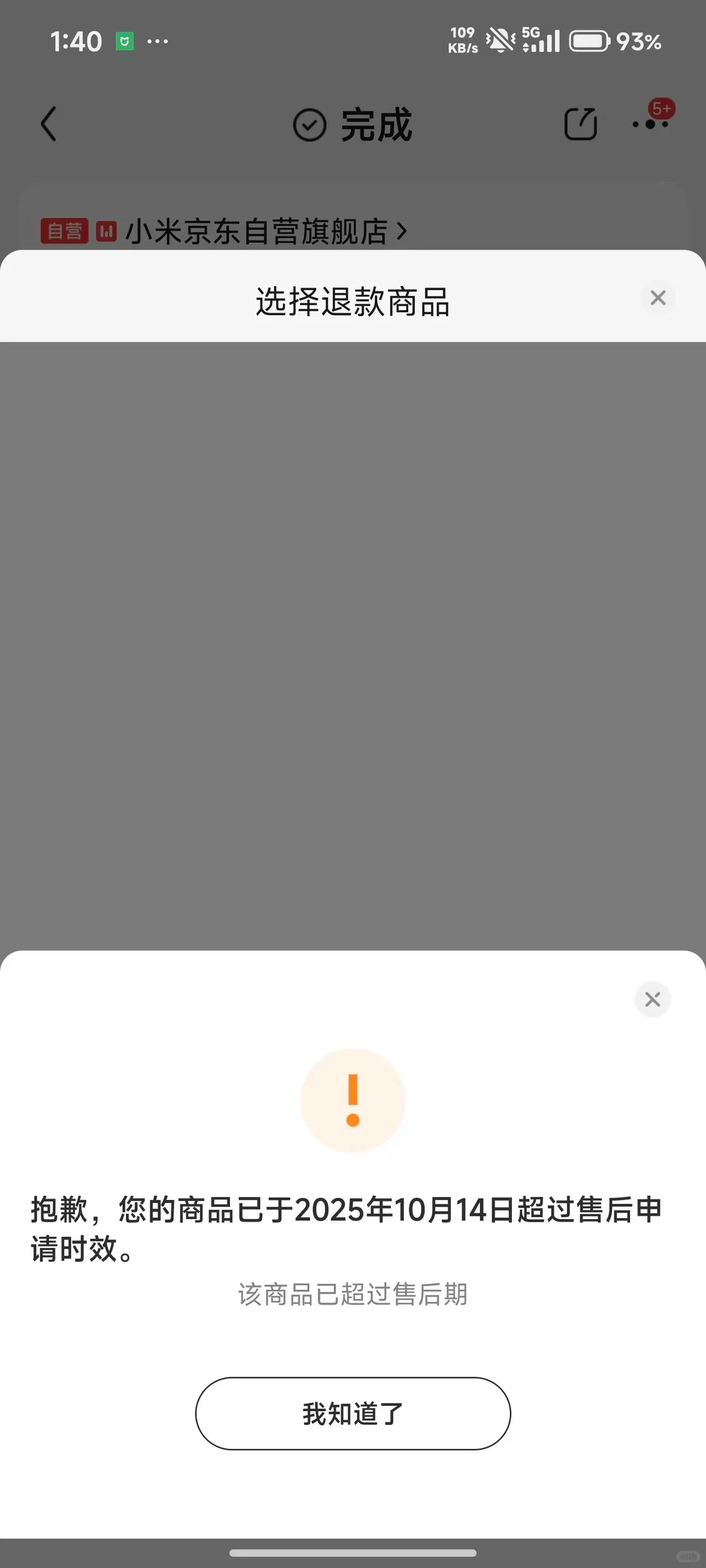
A shopping-app screenshot says this item’s after-sales application window ended on October 14, 2025. That is an app message for this item, rather than a purchase or failure date. Keep the response with the purchase record and ask the seller or manufacturer what service options remain for the exact unit; the screenshot does not document a repair or its outcome.
Distinguish a router fault from an app-offline message
An offline status in Mi WiFi or Xiaomi Home is not, by itself, proof that the router has lost power or network function. Xiaomi’s general app-support guidance distinguishes physical power and network checks from cases where the router works on the network but appears offline because of account or regional-server restrictions. That guidance does not diagnose the source account’s brief light followed by no response.
Xiaomi Router (general app-support guidance) · Global
The source material does not confirm whether the router was otherwise reachable, whether an app-account or server issue was involved, or what component failed. Those unknowns matter because the same offline display can accompany different conditions; the available evidence does not support a specific reset or firmware-flashing remedy.
Related Reading

Reviews & Guides · Computing & Networking
TP-Link Deco X55 in a two-storey Australian home: Wi-Fi across 300 m²
I installed two TP-Link Deco X55 units in my 300 m², two-storey home; bedrooms that often lost Wi-Fi now had a signal throughout the house.

Reviews & Guides · Computing & Networking
TP-Link Deco X55: DNS pauses stopped for six days in access-point mode
I switched my Deco X55 to access-point mode and restored my older router to the front of the network. The DNS-like pauses stayed away for six days.
Reviews & Guides · Computing & Networking
TP-Link Deco X55 after nearly a year: six units, Teams and gaming
I’ve used six TP-Link Deco X55 units for nearly a year, including daily Teams calls and online gaming; I’ve had only one or two connectivity issues.