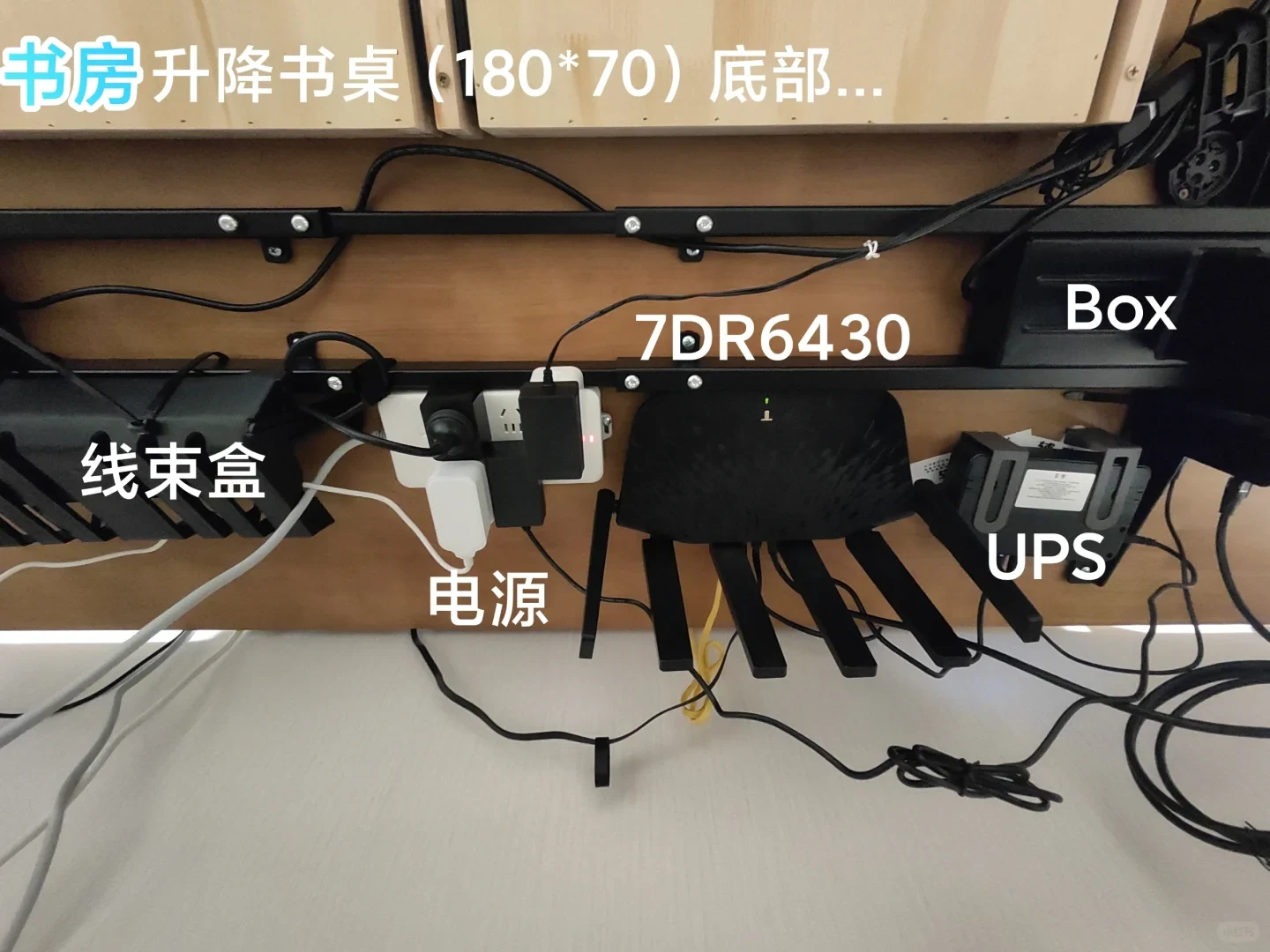
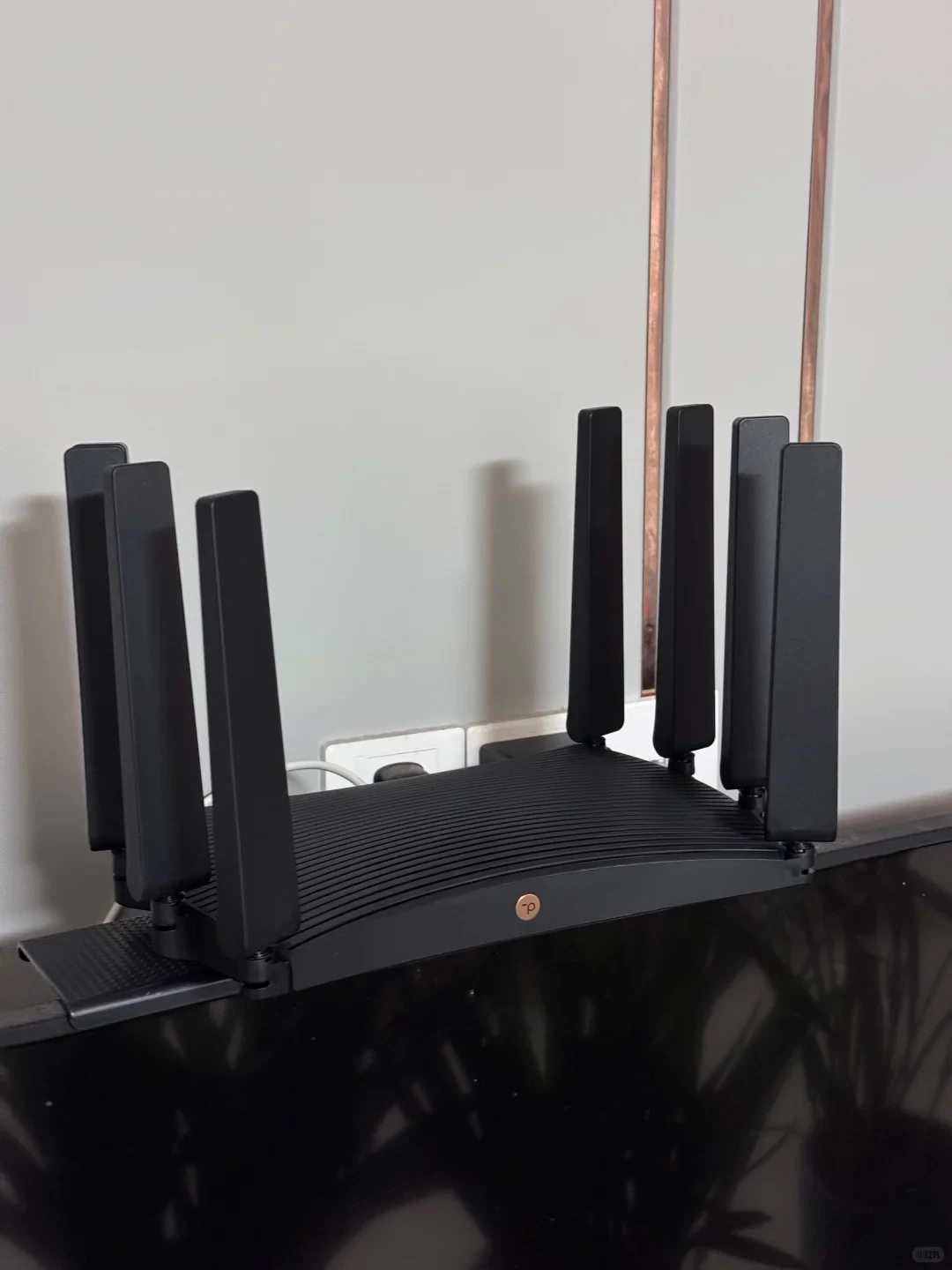
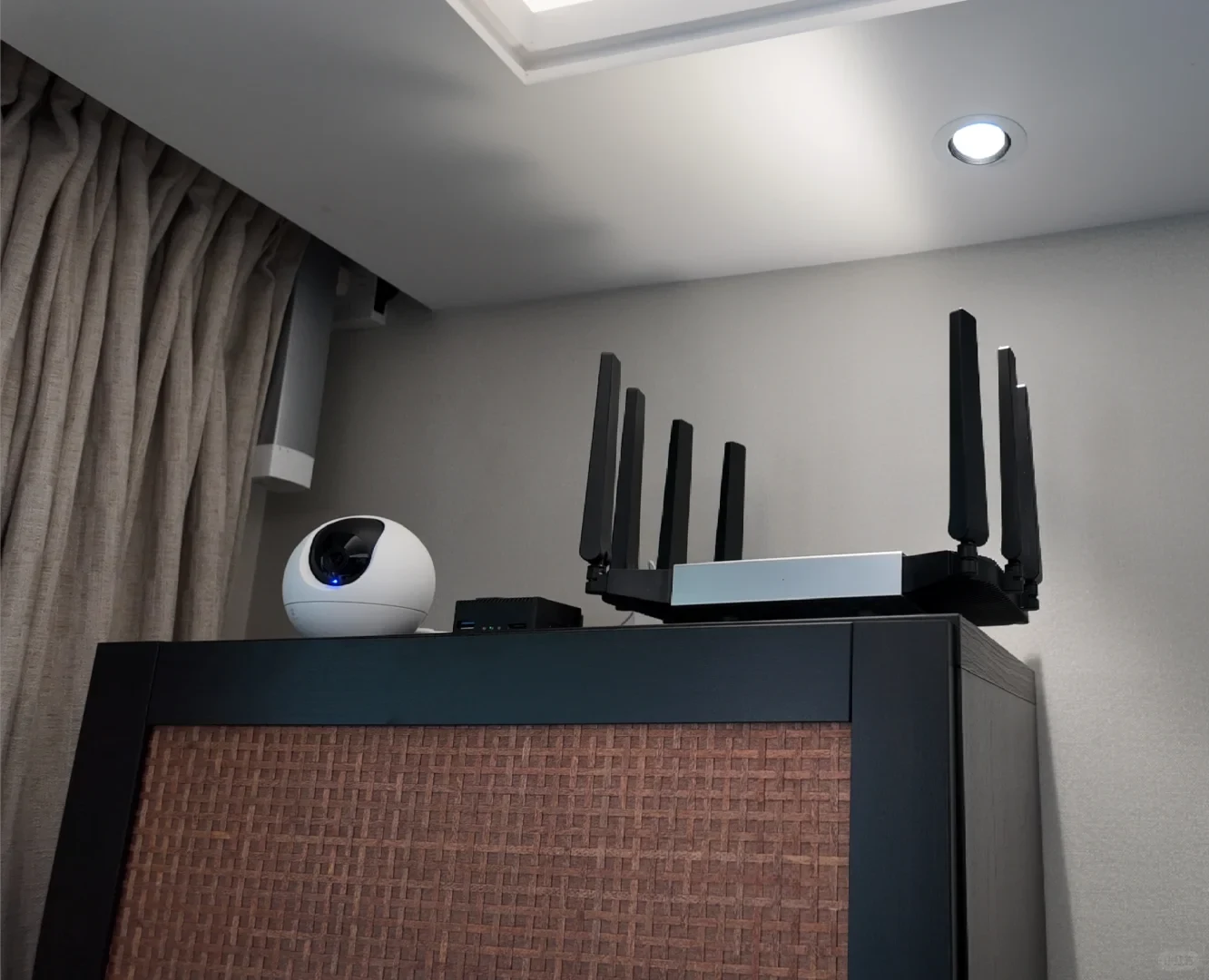
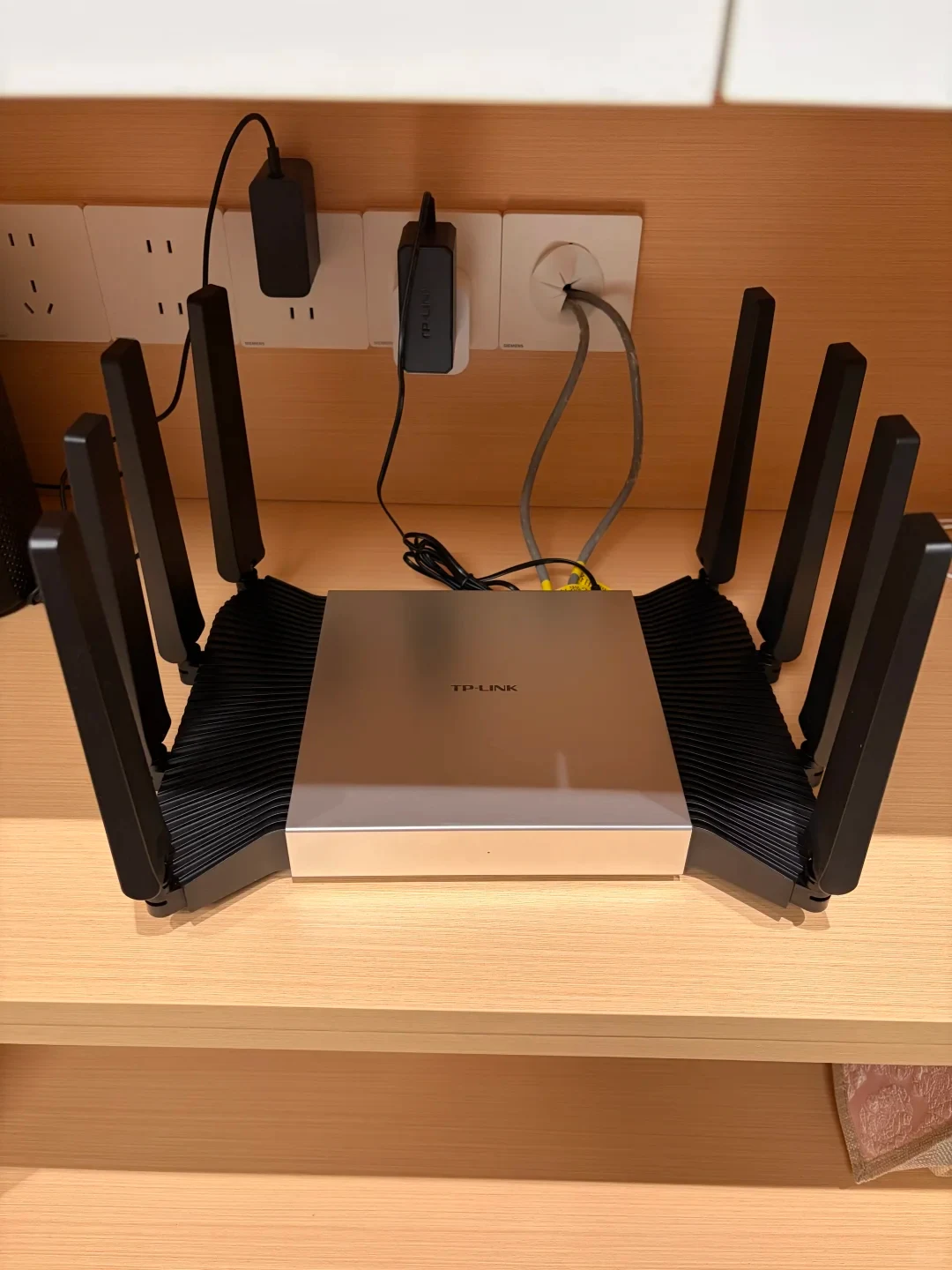
Eight Ethernet ports
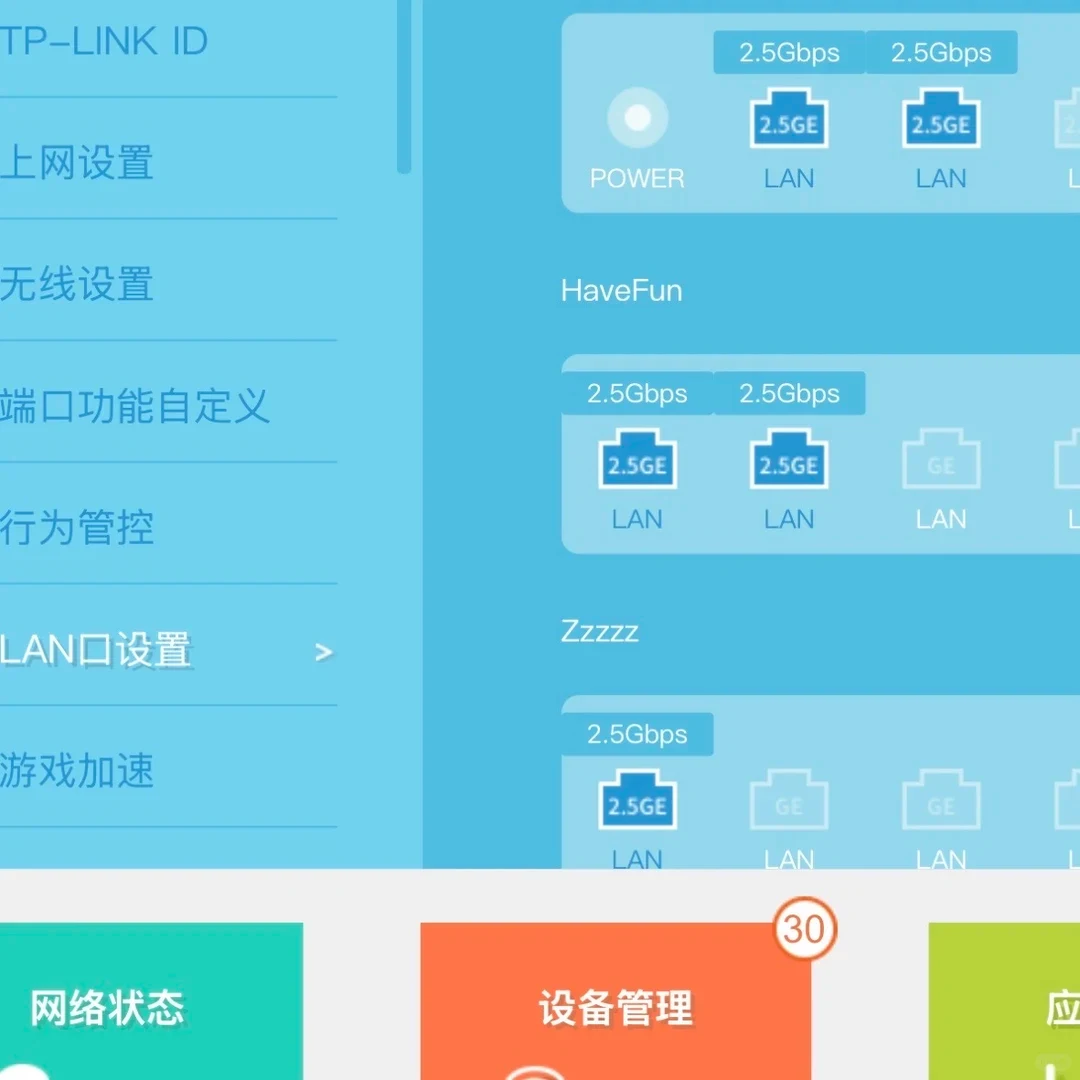
Any two of the four 2.5GbE ports reached full speed in acwifi’s firmware 1.0.8 tests; four Gigabit ports add room for more devices. Another user reported full-rate 2Gbps downloads with a 2.5GbE ONT and switch. [1][9]

TP-Link · Wi-Fi router
| Regional reference | Markets | Model in the reports |
|---|---|---|
| TL-7DR7290 · Dual-band BE7200 | Mainland China | TP-Link TL-7DR7290 |
| Archer BE550 · Different tri-band model | US | |
| Archer BE550 · Different tri-band model | UK |
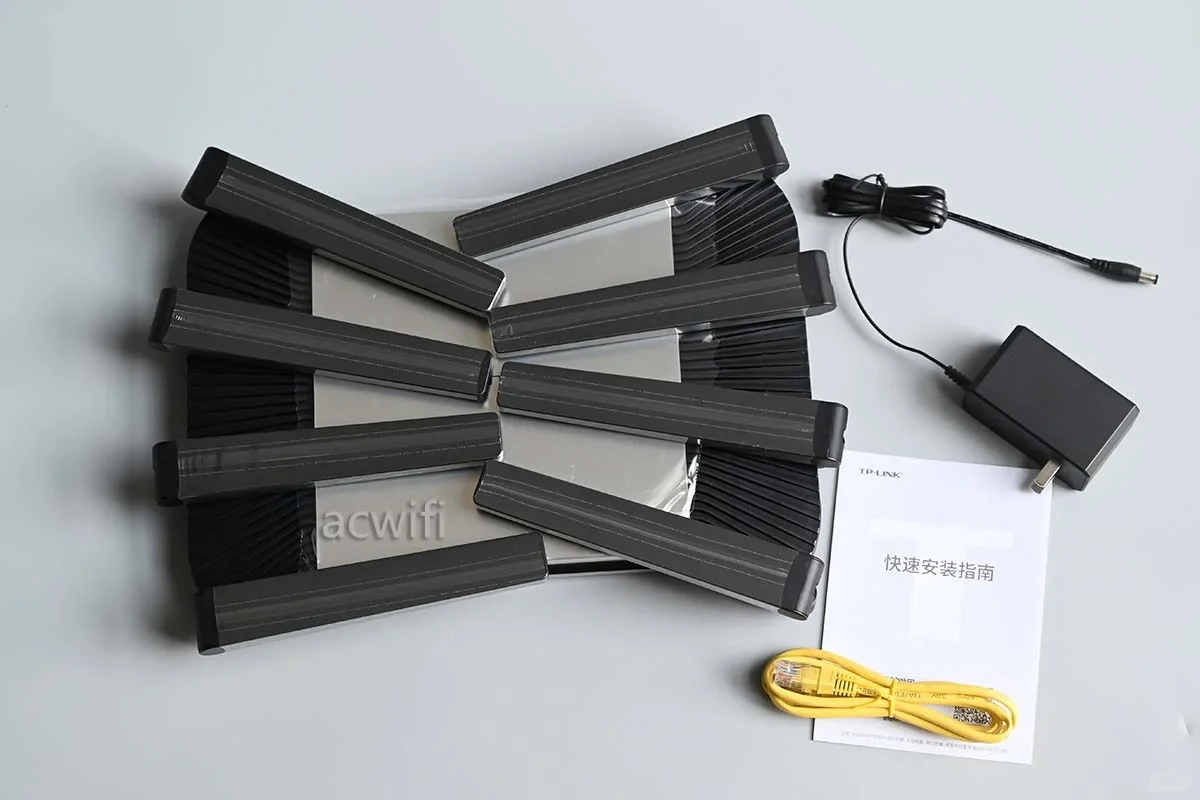
A TP-Link TL-7DR7290 hit 610 Mbps in a bathroom corner with every door shut. In wired tests, its four 2.5GbE ports shared 5 Gbps when all were busy.
Any two of the four 2.5GbE ports reached full speed in acwifi’s firmware 1.0.8 tests; four Gigabit ports add room for more devices. Another user reported full-rate 2Gbps downloads with a 2.5GbE ONT and switch. [1][9]
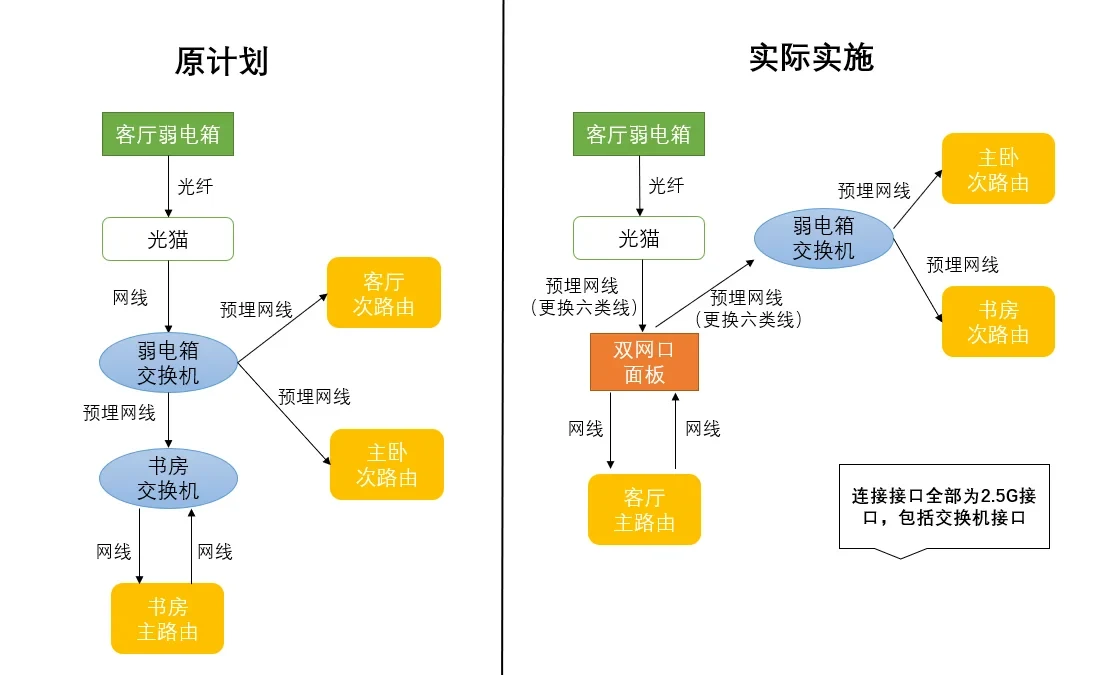
With the router atop a cabinet and all doors closed, one owner measured 610 Mbps at the weakest bathroom corner versus 625 Mbps in the living room, on a nominal 500 Mbps line. [2]
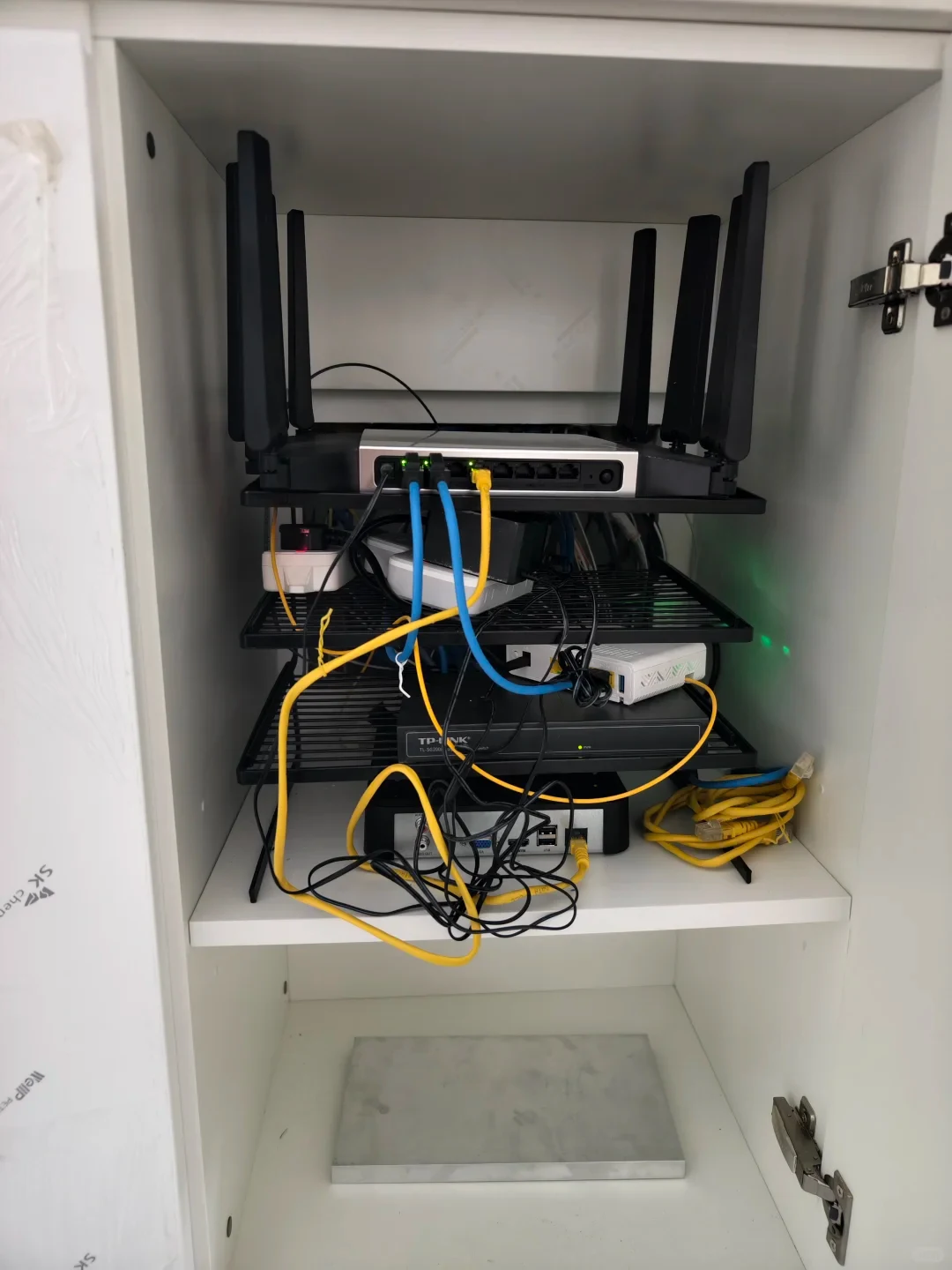
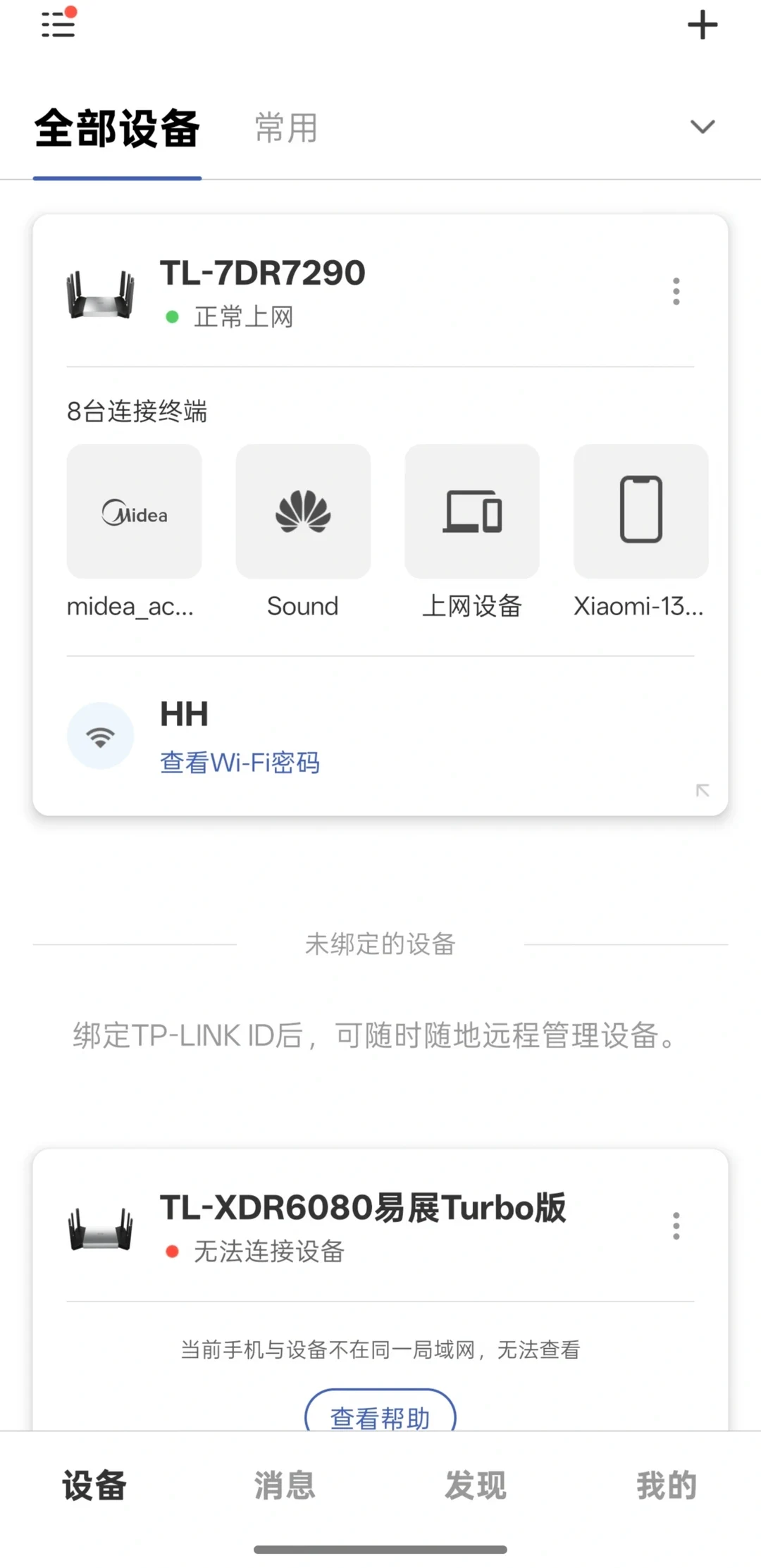
A two-cable wired-mesh installation exceeded 1 Gbps. In another home, a 7290 and 7270 working as APs behind an R5005PE-AC served two floors and switched the owner’s phone between nodes automatically. [3][4]
A lab report recorded 0.02% packet loss and 4.43 ms average latency with 62 phones; maximum latency still reached 209 ms. [5]
One owner reported drops up to three times daily after more than six months, despite a normal app status. In another home, adding a TV box coincided with camera stutter and sluggish 2.4GHz devices; the cause remained unconfirmed. [6][7]
Several owners noticed substantial case heat, with one adding cooling after a hot-to-touch report. acwifi separately measured 9.7–12.9W depending on Ethernet connections; these observations do not establish a thermal fault. [8][13][14][1][3]
acwifi reported 5Gbps shared capacity with simultaneous bidirectional traffic across all four ports, including in AP mode (firmware 1.0.8). Small-packet forwarding also fell short of the report’s full-rate reference. [1]
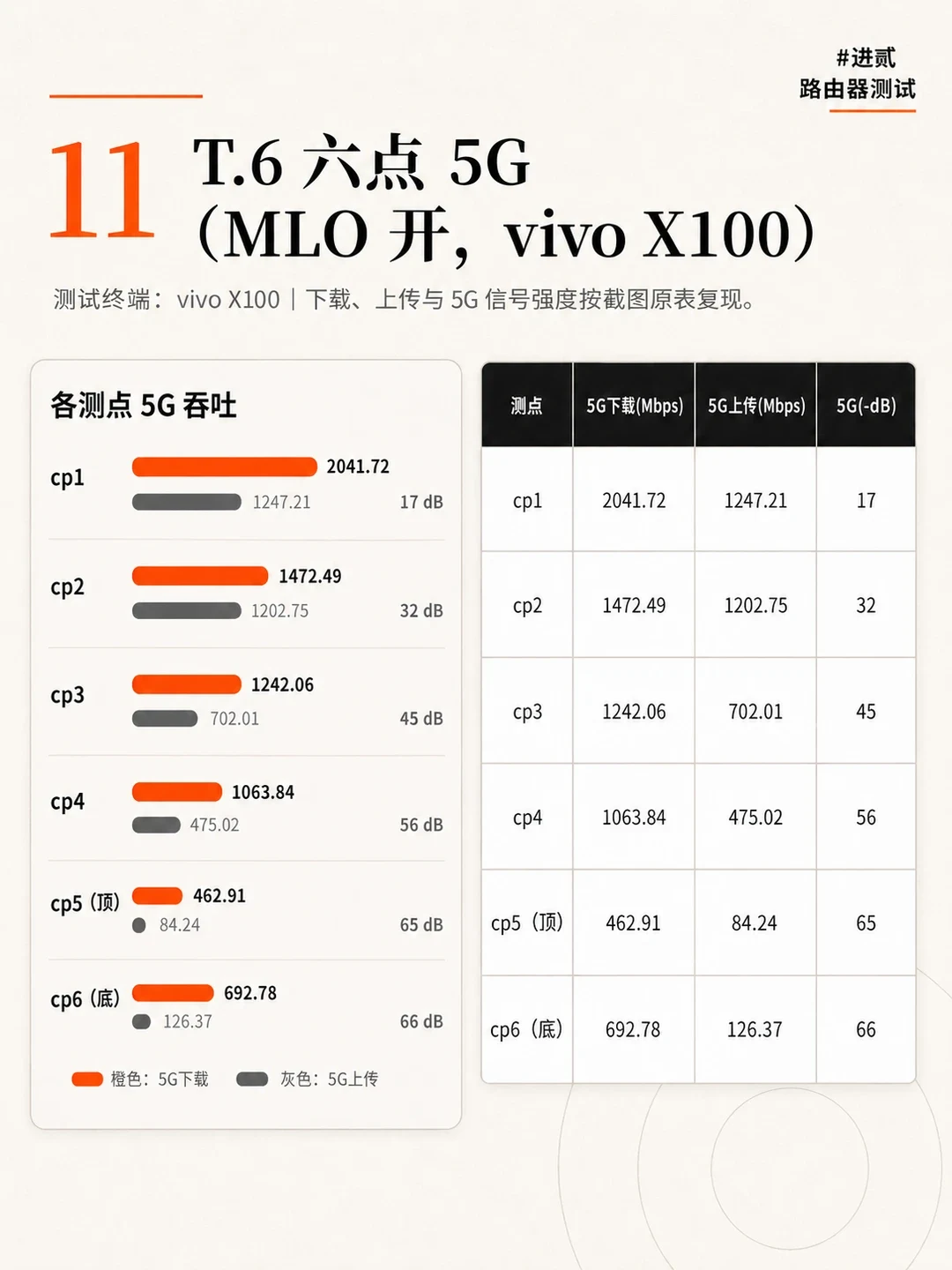
One 89 m² home still needed mesh through load-bearing walls, while a 7290/6450 comparison reported bedroom disconnects but noted that an extra tablet may have affected results. MLO gains also varied by location in the six-point lab test. [10][11][5]
An EZVIZ camera got a Wi-Fi IP address but failed cloud registration after a router swap. The owner later blamed GMT+8 settings, but was still asking how to change them; a fix was not confirmed. [12]
Teardown · Port tests · Firmware 1.0.8
Just over 100 m² · Three-router network
Two floors · Wired APs and roaming
Closed doors · 500 Mbps service
Early mesh impressions · Door camera
20-year-old house · 2.5G link rates
Seven cameras · TV-box troubleshooting
Over six months · Recurring dropouts
Lab report · Six test points · 62 phones
Wired mesh · Two-cable backhaul